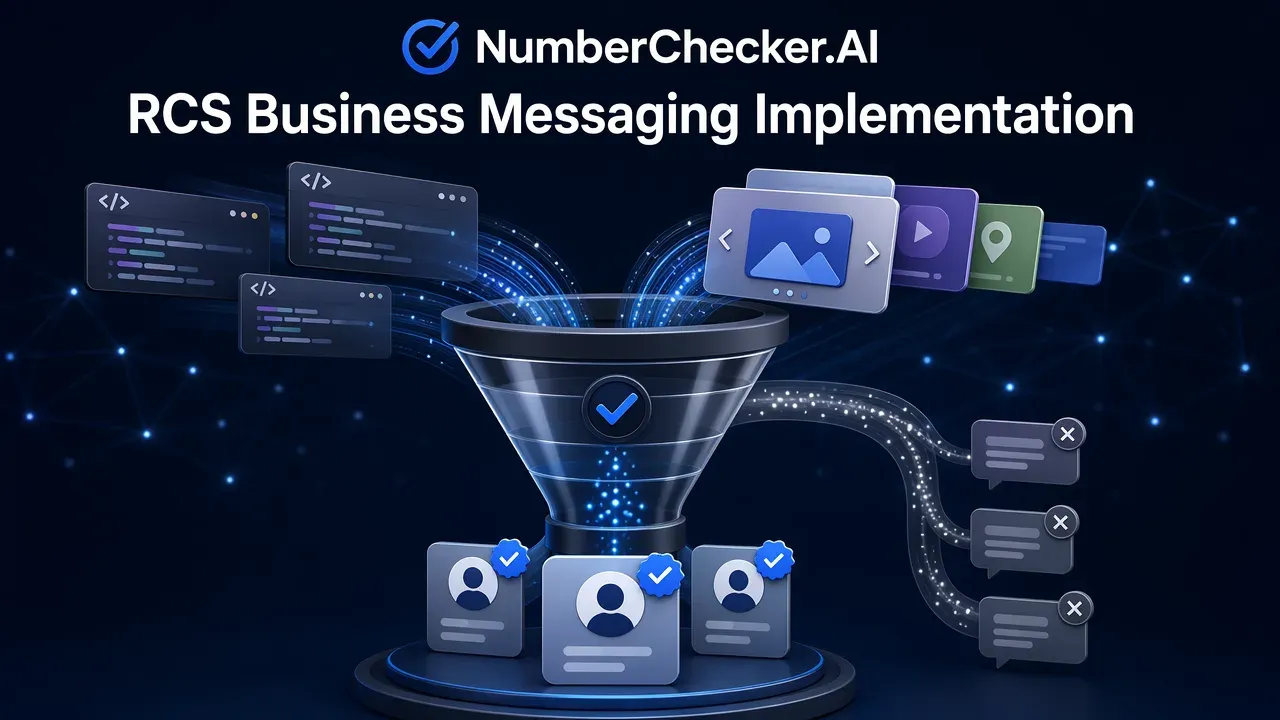
RCS Business Messaging Implementation: A Practical Guide
Learn the technical and procedural steps for RCS business messaging implementation, from defining your use case to securing RCS Agent approval and configuring SMS fallback.
RCS for Business enables interactive messaging with features like read receipts, high-quality media, and verified sender profiles. Implementation involves defining your use case, partnering with a messaging provider to manage carrier connections, creating a verified RCS Agent, and securing approval from Google or mobile network carriers. Always configure SMS fallback to ensure reachability for all users.
Understanding the Shift: RCS vs. SMS and MMS
RCS (Rich Communication Services) is a messaging protocol that upgrades traditional SMS and MMS. While SMS is limited to 160 characters and MMS is restricted by file size and quality, RCS supports rich media, read receipts, and typing indicators. These features allow for more interactive experiences, such as carousels that enable businesses to display up to ten products or choices in a single, swipable message.
Step 1: Defining Your RCS Use Case
Defining your use case is the foundation of the approval process. Use cases—categorized as transactional, promotional, or conversational—dictate billing and compliance requirements. For example, transactional messages may require simple API integrations, whereas promotional campaigns often necessitate deeper CRM integration to manage audience segmentation and message timing.
Step 2: Partnering with a Messaging Provider
Businesses cannot connect to RCS networks directly. Instead, they must partner with a messaging provider. These providers manage the technical carrier connections and facilitate the necessary Agent verification processes, ensuring that your business messaging infrastructure meets the required standards for the RCS ecosystem.
Step 3: Creating and Verifying Your RCS Agent
An RCS Agent is a verified sender profile that appears as a contact on a customer’s phone, complete with a logo, brand colors, and a verified badge. This profile increases business trustworthiness. Before an agent can be used, it must be submitted to Google or mobile network carriers for vetting. Note that approval is tied to the specific use case; changing the use case later requires re-approval.
Step 4: Campaign Execution and SMS Fallback
To ensure maximum reach, businesses must implement SMS fallback. This configuration ensures that messages are delivered to users who do not have RCS-enabled devices. Before launching any campaign, it is essential to test the messaging flow on both Android and iOS devices to verify that the rich content displays correctly and that the fallback mechanism triggers as expected.
Frequently Asked Questions (FAQ)
How long does it take to get an RCS Agent approved?
The approval process for RCS Agents can take anywhere from a few days to several weeks, depending on the vetting requirements of the carriers or Google.
Can I use the same RCS Agent for both marketing and transactional messages?
RCS Agent approval is tied to the specific use case; changing the use case requires re-approval. It is best to define your primary use case clearly during the initial setup.
What happens if a customer does not have RCS enabled?
If a customer does not have an RCS-enabled device or the service is unavailable, the system must use SMS fallback to ensure the message is still delivered.
Get Started with NumberChecker.AI
Explore NumberChecker.AI’s supported bulk list-checking products and choose the capability that fits your workflow.
Ready to get started?
Try our WhatsApp number validation service and see the difference clean data makes.

