01
Upload your list
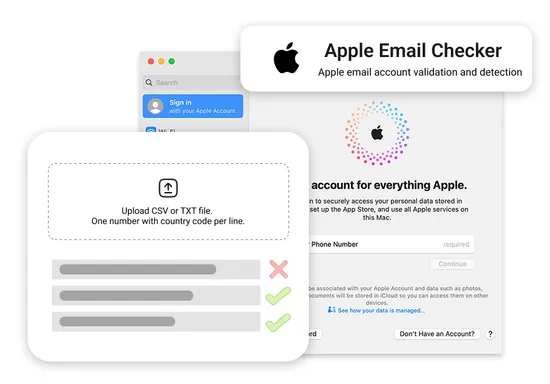
Import CSV or TXT files with email address data, then confirm the task settings before processing.

Verify email addresses linked to Apple accounts.
Price (per 10,000 emails) $2 USD
Check which email addresses are registered with Apple accounts or services. Target users within the Apple ecosystem.

Verify email addresses linked to Apple accounts.
Price (per 10,000 emails) $2 USD
Check which email addresses are registered with Apple accounts or services. Target users within the Apple ecosystem.
No account, number, or SIM required
Every check runs through official platform APIs on our own infrastructure. You never connect, bind, or use your own account, phone number, or SIM card — just upload your list or call the API and get results.
Detection signals
Apple built iCloud, the App Store, Apple Pay, and Find My on one shared identity — the Apple ID — so checking an email address here surfaces whether that address anchors a wider device footprint, not just a single app login. Apple ID Email Checker reads that registration status without logging in or contacting the address.
Confirms whether the email address is registered on Apple ID (yes or no), so you can filter out unregistered addresses before outreach.
Since the same Apple ID sits behind iCloud, App Store, Apple Pay, and Find My, a registered email points to a real device owner in Apple's ecosystem rather than a one-off signup.
Reads registration signals only. The account holder is never messaged, logged in to, or notified.
Workflow
Use Apple Email Checker as part of a repeatable list-cleaning workflow before outreach, CRM imports, or audience segmentation.
Import CSV or TXT files with email address data, then confirm the task settings before processing.
NumberChecker.AI processes the file in bulk and returns structured status signals for each row.
Download results and route clean, matched, unmatched, or review-needed rows into your next workflow.
Outputs
Use cases
Remove unsupported or low-confidence records before campaigns or imports.
Create groups based on platform, email, phone, or account-related signals.
Send uncertain or high-value records into a separate internal review queue.
Related checks
Explore checks that teams often run before or after this product.
FAQ
Yes. Upload a CSV of up to hundreds of thousands of emails or call the REST API, then download a result file with a registered or not-registered verdict for every email. You are billed only for successful checks.
Apple ID is checked by email address here. If you need to check by phone number, use Apple ID Checker.
No. The check is passive and reads registration signals only. Nothing is sent to the address, and the account holder is never contacted or notified.
Yes. New accounts receive free checks on signup, and every check is pay-as-you-go with no monthly fee.
Compare pricing, review API options, or create an account to upload your first production list.


