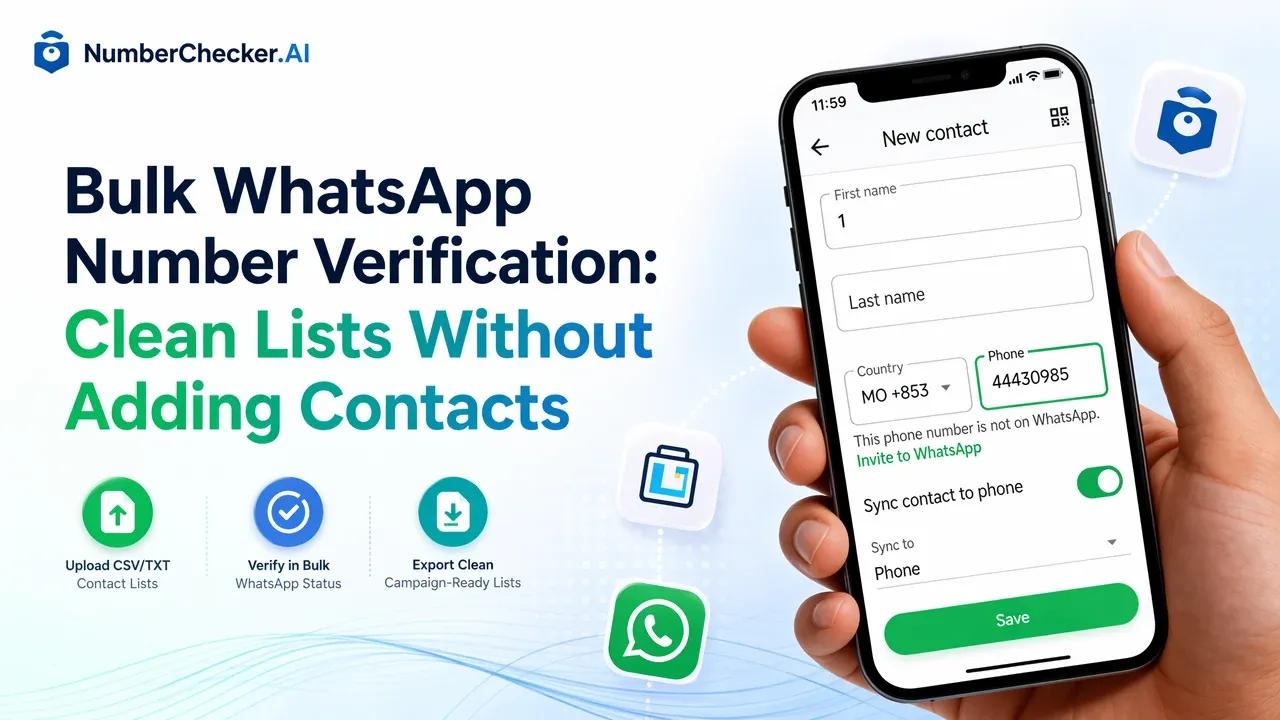
Bulk WhatsApp Number Verification: Clean Lists Without Adding Contacts
Upload CSV/TXT WhatsApp contact lists, verify registration status in bulk, and export clean campaign-ready results without saving contacts manually.
For sales and marketing teams, the real question is not whether one phone number has WhatsApp.
The practical question is:
“Which contacts in this uploaded list are reachable on WhatsApp?”
Checking numbers manually forces teams to save contacts, search in the app, delete invalid entries, and repeat the process hundreds or thousands of times. That workflow is slow, hard to audit, and easy to break.
A better approach is bulk WhatsApp number verification: upload a CSV/TXT list, run a verification task, and export structured results for campaign planning.
1. The Problem: Manual WhatsApp Checking Does Not Scale
The “add to contact and check” method may work for a handful of numbers, but it fails for real business lists.
- Slow: Checking even a few hundred leads becomes manual operations work.
- Messy: Personal phonebooks and CRM lists get mixed together.
- Hard to measure: Teams cannot easily track which numbers were checked, when, and with what result.
- Risky for outreach: Sending campaigns to unverified lists wastes budget and can hurt sender reputation.
If your goal is list cleaning, the workflow should start with the list, not with individual contacts.
2. What Is Bulk WhatsApp Verification?
Bulk WhatsApp verification checks an uploaded contact list and returns a status for each number.
Instead of adding contacts manually, you prepare a file with phone numbers, choose the WhatsApp detection task, and let the system process the list.
Typical results include:
- Registered: The number appears reachable on WhatsApp.
- Not registered or inactive: The number should be filtered or handled differently.
- Invalid format: The number needs normalization or removal.
The output can be downloaded and imported back into your CRM, marketing automation tool, or audience segmentation workflow.
3. Why Bulk Upload Is Better Than Adding Contacts
3.1 Cleaner CRM Data
Your CRM should hold structured status fields, not guesswork. Bulk verification lets you tag contacts by WhatsApp availability, country, and task result before launching outreach.
3.2 Lower Messaging Waste
Invalid and unreachable contacts increase campaign cost without improving conversion. Cleaning the list first helps teams focus budget on numbers that are more likely to receive the message.
3.3 Safer Team Workflow
No one needs to pollute a personal phonebook or manually save thousands of leads. The process stays inside a dashboard or API workflow, with downloadable results and repeatable steps.
4. How the Bulk Verification Workflow Works
Using NumberChecker.AI, the workflow is simple:
- Upload a CSV/TXT list with phone numbers.
- Choose WhatsApp detection and confirm country handling.
- Submit the task for batch processing.
- Download results with structured statuses for each number.
- Segment your audience before sending campaigns.
The free demo can preview what a sample result looks like, but production use is designed around uploaded lists and batch tasks.
5. Use Cases for WhatsApp List Cleaning
- Sales teams: Prioritize leads that are reachable on WhatsApp.
- Marketing teams: Clean audience lists before campaign launch.
- E-commerce: Validate customer contact lists before order updates or retention campaigns.
- Agencies: Prepare segmented lists for multiple clients without manual checking.
- Developers: Integrate task submission and result export into internal data pipelines.
6. Conclusion
Manual WhatsApp checking is not a scalable list-cleaning workflow.
Bulk upload verification gives teams a cleaner process: upload the list, run the task, download results, and act on structured data.
Use NumberChecker.AI to prepare WhatsApp audiences from CSV/TXT lists without adding contacts one by one.
Ready to get started?
Try our WhatsApp number validation service and see the difference clean data makes.

