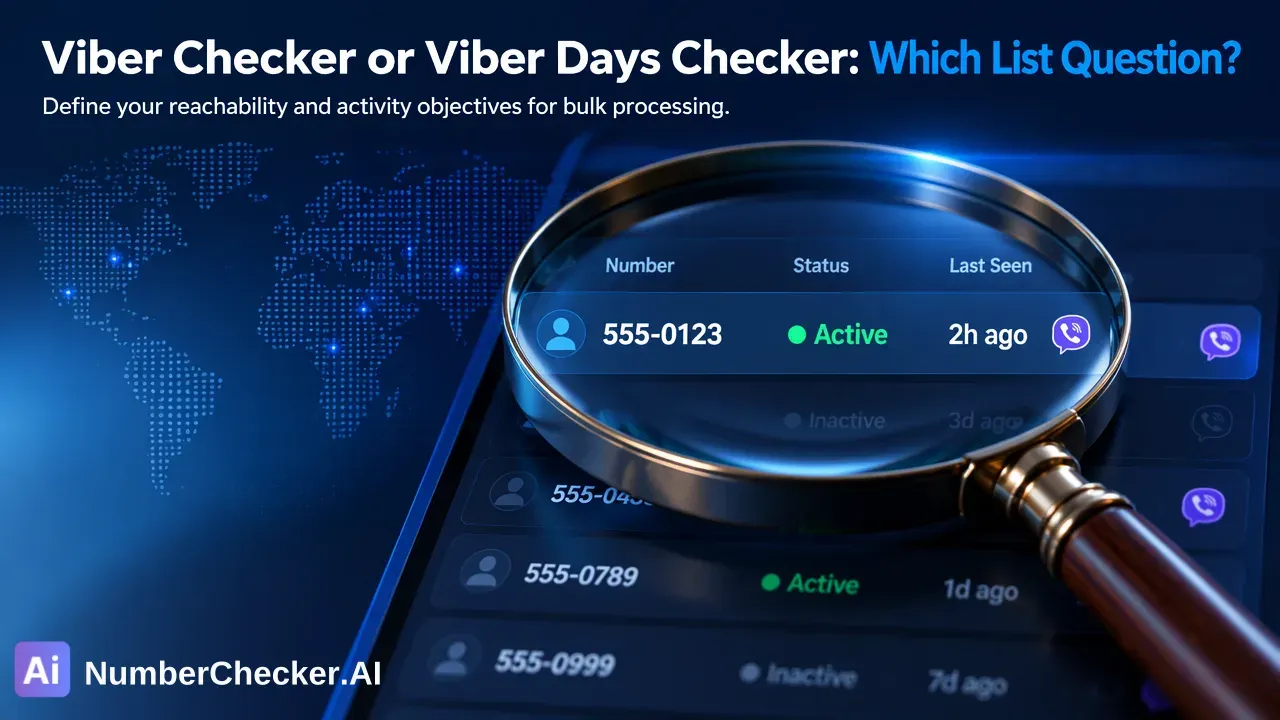
Viber Checker or Viber Days Checker: Which List Question Are You Asking?
Compare Viber Checker and Viber Days Checker. Learn when to check registration signals versus activity context for bulk phone lists.
Choosing between Viber Checker and Viber Days Checker comes down to whether your team needs basic reachability or deeper recency context for prioritization. Viber Checker confirms whether a phone number is registered on Viber at the time of the check. In contrast, Viber Days Checker confirms account presence while providing available activity or last-seen context and account-identifier details to inform campaign segmentation.
Defining Your Viber List Objectives
When managing bulk contact data for Viber communication, marketing operations and CRM teams frequently face two distinct challenges: clearing out numbers that have no presence on the platform, and deciding which registered contacts represent timely opportunities for outreach. Evaluating a Viber registration vs activity checker helps align your data investment with your operational objective.
At NumberChecker.AI, our bulk checking platform divides these tasks into two dedicated signals:
| Capability | Viber Checker | Viber Days Checker |
|---|---|---|
| Primary Function | Checks platform registration | Checks account presence and recency context |
| Key Signals | Platform registration signal | Activity / last-seen context, account identifier |
| Primary Use Case | Broad list hygiene and reachability filtering | Engagement tiering and contact prioritization |
| Input Format | Bulk CSV or TXT list | Bulk CSV or TXT list |
Selecting the right tool ensures that your team extracts actionable segmentation data without collecting excess fields that your routing logic does not utilize.
When to Use Viber Checker
Viber Checker focuses on a single factual question: is this phone number registered on Viber?
This check is suited for initial list qualification. When importing acquired leads, legacy CRM databases, or event attendee lists, a substantial portion of contacts may never have installed the app. Sending traffic blindly to unregistered numbers inflates dispatch attempts and skews campaign reporting.
Key applications for Viber Checker include:
- Audience filtering: Quickly separating registered profiles from non-users before scheduling platform campaigns.
- Channel routing: Identifying which customers can receive notifications on Viber versus those who require traditional SMS or email fallback.
- Database hygiene: Flagging records that lack platform account presence to keep CRM records clean.
Because this signal confirms reachability at check time, it serves as a baseline filter. However, it does not confirm user identity, ownership, consent, or whether the account owner frequently opens the app.
When to Use Viber Days Checker
While basic registration confirms an account exists, it does not distinguish an account opened yesterday from one dormant for months. This is where Viber Days Checker adds context.
Viber Days Checker checks account presence while reporting available activity or last-seen context, alongside available account-identifier context. Operations teams use this enriched visibility to prioritize outreach schedules and optimize resource allocation.
Practical applications for Viber Days Checker include:
- Outreach prioritization: Highlighting accounts with recent platform activity context for time-sensitive promotions or customer support engagement.
- Tiered segmentation: Grouping contacts into active versus dormant segments to adjust communication frequency and channel selection.
- Account validation: Using account-identifier context to support internal deduplication and data-hygiene audits.
Keep in mind that activity context reflects platform observations at check time. It supports prioritization workflows, but it does not guarantee message delivery, contact replies, or specific conversion outcomes.
Preparing and Processing Your Bulk Phone List
Both checkers operate within our core bulk processing workflow, allowing operations teams and engineers to audit large datasets efficiently.
Formatting Requirements
To ensure accurate task parsing, files submitted to the platform must adhere to standard bulk input rules:
- One country per file: Each list must contain phone numbers belonging to a single country destination.
- One number per line: Files formatted as CSV or TXT should feature one phone number per line.
- Country code included: Numbers must include their corresponding country code, though the leading plus sign is optional.
Before launching a paid check, teams can utilize our free dashboard Number Cleaner tool. This utility normalizes entries into standard E.164 formatting while stripping duplicates and invalid syntax.
Execution and Results Download
Teams can submit files directly through the dashboard interface or trigger jobs programmatically via our asynchronous REST API tasks. Once processing completes, full results are compiled into a downloadable ZIP file for review, analysis, and ingestion back into your marketing automation platform or data warehouse. Review our API documentation for integration details, or check our pricing page for current account options.
Frequently Asked Questions (FAQ)
Does Viber Days Checker guarantee that a contact will respond to outreach?
No. While Viber Days Checker supplies available activity or last-seen context, platform activity signals are decision-support inputs rather than promises of delivery, read receipts, or responses. Recipient engagement depends on consent, messaging relevance, and individual user behavior.
Can teams use these tools to determine general phone number validity?
No. A Viber registration check only reports whether an account exists on the platform at check time. To verify whether a line is assigned and formatted correctly across telecommunications networks, teams should use dedicated Phone Number Validation rather than relying solely on app-specific registration indicators.
How should teams prepare a contact list before running a bulk Viber check?
Contact files must contain one country per file and list one number per line with the country code, while the leading plus sign remains optional. Teams can use our free dashboard Number Cleaner utility to normalize entries to E.164 and strip out duplicates or syntax errors prior to running bulk checks.
Get Started with NumberChecker.AI
Explore NumberChecker.AI’s supported bulk list-checking products and choose the capability that fits your workflow.
Ready to get started?
Try our WhatsApp number validation service and see the difference clean data makes.

