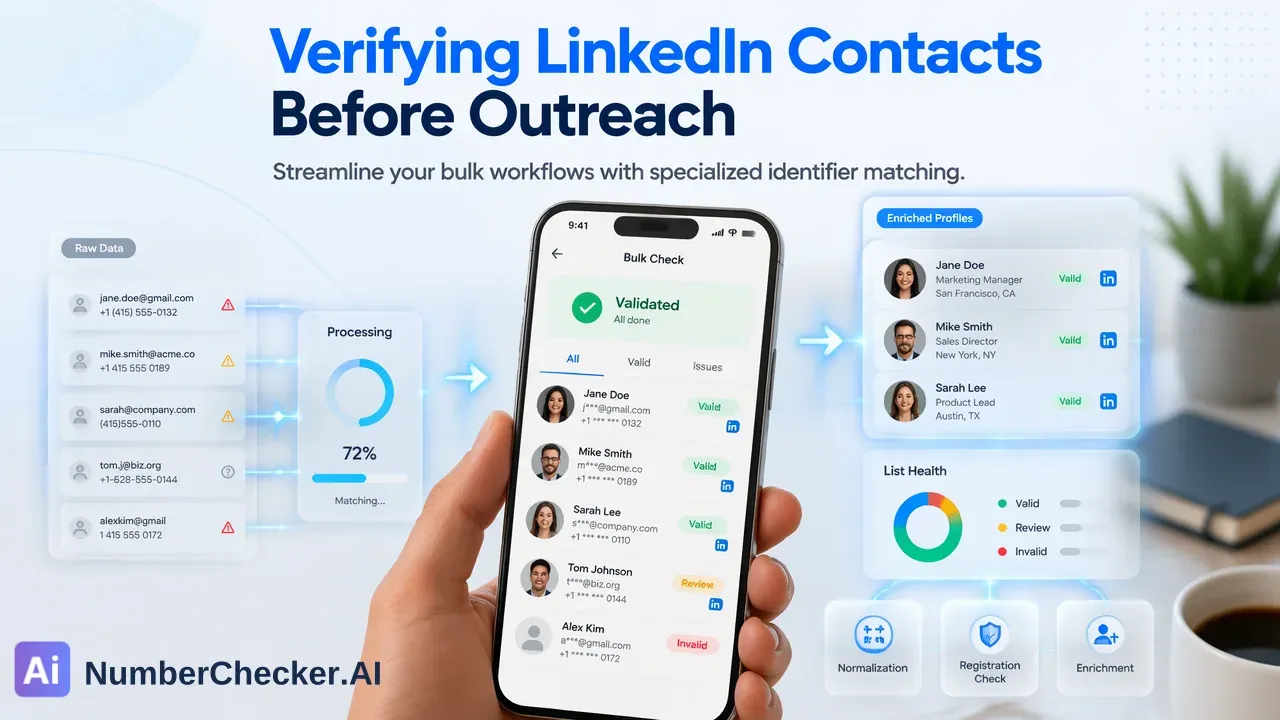
Verifying LinkedIn Contacts Before Outreach: Phone, Email and Username Checks
Learn how B2B teams verify LinkedIn contacts before outreach using bulk phone, email, and username checks to support data segmentation and workflow planning.
To verify LinkedIn contacts before outreach, B2B teams must match each contact identifier to its specialized verification tool rather than relying on a single generic check. NumberChecker.AI separates checks by input type: the LinkedIn Number Checker assesses phone numbers, the LinkedIn Email Checker and LinkedIn Email Profile Checker evaluate email addresses, and the LinkedIn Username Dossier inspects public profile handles and URLs. Checking these identifiers provides platform-specific registration and enrichment signals at check time, which helps teams review contact lists, segment audiences, and support internal outreach planning without inferring identity, account ownership, or guaranteed responses.
Aligning Verification Tools with Contact Identifiers
Preparing contact lists for B2B engagement requires selecting verification products that correspond exactly to the data on hand. Contact databases typically store a mix of direct dials, corporate or personal email addresses, and public social profile URLs. Attempting to pass these disparate records into a universal checker creates inaccurate data segmentation, as each identifier type exposes different data attributes.
NumberChecker.AI enforces a clear separation across its product catalogue. Each service evaluates specific inputs and returns dedicated signals:
| Input Identifier | Dedicated Product | Output Capabilities |
|---|---|---|
| Phone Number | LinkedIn Number Checker | Platform registration signal |
| Email Address | LinkedIn Email Checker | Platform registration signal |
| Email Address | LinkedIn Email Profile Checker | Registration, professional, demographic, and location enrichment |
| Username / URL | LinkedIn Username Dossier | Registration and public professional profile enrichment |
Before running checks against platform datasets, teams can use the free dashboard Toolbox to prepare raw data. The Number Cleaner utility normalizes phone numbers to standard E.164 formatting and removes duplicate or invalid entries. Similarly, the Email Cleaner utility checks basic syntax, inspects MX records, and removes disposable addresses and duplicate entries. Cleaning records beforehand ensures that subsequent bulk tasks only process structured, well-formatted entries.
Verifying Phone Numbers for LinkedIn Outreach
When outreach strategies involve direct telephone outreach or multi-channel alignment, verifying whether a phone number is linked to a LinkedIn account provides valuable context. The LinkedIn Number Checker evaluates submitted numbers to establish whether an account registration is present on the platform.
To conduct bulk phone checks, operational teams must follow specific upload guidelines:
- Files must be structured as CSV or TXT format.
- Uploads require one country per file.
- Each record must feature one number per line including the country code, while the leading plus sign is optional.
When evaluating lists across international territories, teams should confirm regional coverage for their target markets against the LinkedIn Number Checker’s current country selector.
A confirmed platform-registration signal indicates platform-specific reachability and deliverability at check time. It does not establish the physical device state, confirm the identity of the account holder, verify current user activity, or prove consent for unsolicited communication. Instead, it serves as an objective technical signal that teams can use to prioritize records before launching outreach campaigns.
Email-Based Verification and Profile Enrichment
For email-centric workflows, organizations can select between a basic registration verification and an expanded data enrichment workflow, depending on operational needs.
The standard LinkedIn Email Checker confirms whether an email address is registered to an account on the platform. This binary registration signal helps teams separate active platform accounts from addresses that show no presence, supporting general list qualification.
When deeper context is required for account-based marketing or lead routing, teams can implement the LinkedIn Email Profile Checker. In addition to confirming account registration, this product returns:
- Professional profile enrichment, such as current job titles and organizational attributes.
- Demographic enrichment signals.
- Geographic location signals.
When working with enriched records, teams must recognize data boundaries. Profile and demographic enrichment fields reflect available public information and provide observable attributes to support list review. Furthermore, available enrichment fields depend on account settings and public visibility, meaning certain details may not be present for every contact.
Leveraging Usernames and Profile URLs
Outreach preparation often begins with public profile URLs or platform usernames collected through prospecting workflows. Rather than checking phone or email parameters, teams can use the LinkedIn Username Dossier to evaluate these social identifiers directly.
The LinkedIn Username Dossier accepts public profile URLs or usernames as inputs and returns available public professional signals and platform registration attributes. This capability supports data enrichment by verifying that the profile exists and gathering observable professional attributes to inform messaging strategies.
Teams should account for platform visibility settings during review. If an individual has placed restrictions on their account or privatized specific sections, those hidden sections may return empty in the final data export. Documenting this operational boundary ensures that data teams do not treat empty fields as verification errors.
Managing Bulk Workflows and List Segmentation
Managing enterprise contact databases requires consistent list handling rather than manual ad-hoc lookups. NumberChecker.AI operates around bulk list processing, enabling technical and business teams to evaluate thousands of contacts systematically.
Organizations can execute bulk verification tasks through two primary methods:
- Dashboard Uploads: Uploading supported CSV or TXT files directly to the web portal.
- Asynchronous REST API: Submitting batch tasks programmatically via the API for seamless integration into customer CRM and data enrichment pipelines. Developers can review the Read the NumberChecker API docs for integration specifications.
Because tasks run asynchronously, system performance remains predictable during large data jobs. Once a task completes, the processed output is packaged into a downloadable ZIP file. This package contains detailed results that allow teams to apply customer-defined review criteria, flag missing signals, and isolate high-priority segments for downstream outreach.
Organizations evaluating broader list validation requirements alongside platform checks can consult the service Pricing page to align verification volumes with operational budgets.
Frequently Asked Questions (FAQ)
Can teams use the same tool for both phone and email verification?
No. Different products expose distinct capabilities based on identifier types, and capabilities cannot be transferred between products.
Phone numbers must be processed through the LinkedIn Number Checker, whereas email addresses require either the LinkedIn Email Checker or the LinkedIn Email Profile Checker. Each tool processes inputs according to platform-specific parameters.
What is the difference between a registration signal and profile enrichment?
A platform-registration signal only determines whether an identifier is associated with an existing account on the platform at check time. It does not evaluate user activity, account ownership, or message delivery.
In contrast, profile enrichment retrieves available professional, demographic, or location signals associated with the account. For example, the LinkedIn Email Profile Checker returns enrichment data alongside registration status, whereas the standard LinkedIn Email Checker only returns the registration presence signal.
How are bulk contact lists processed in NumberChecker.AI?
Lists are processed in bulk by uploading supported CSV or TXT files directly to the platform dashboard or by submitting asynchronous REST API tasks.
Once processing finishes, completed task results are downloadable as a ZIP file. This output allows organizations to review the data, apply customer-defined filtering, and segment lists within internal systems.
Get Started with NumberChecker.AI
Explore NumberChecker.AI’s supported bulk list-checking products and choose the capability that fits your workflow.
Ready to get started?
Try our WhatsApp number validation service and see the difference clean data makes.

