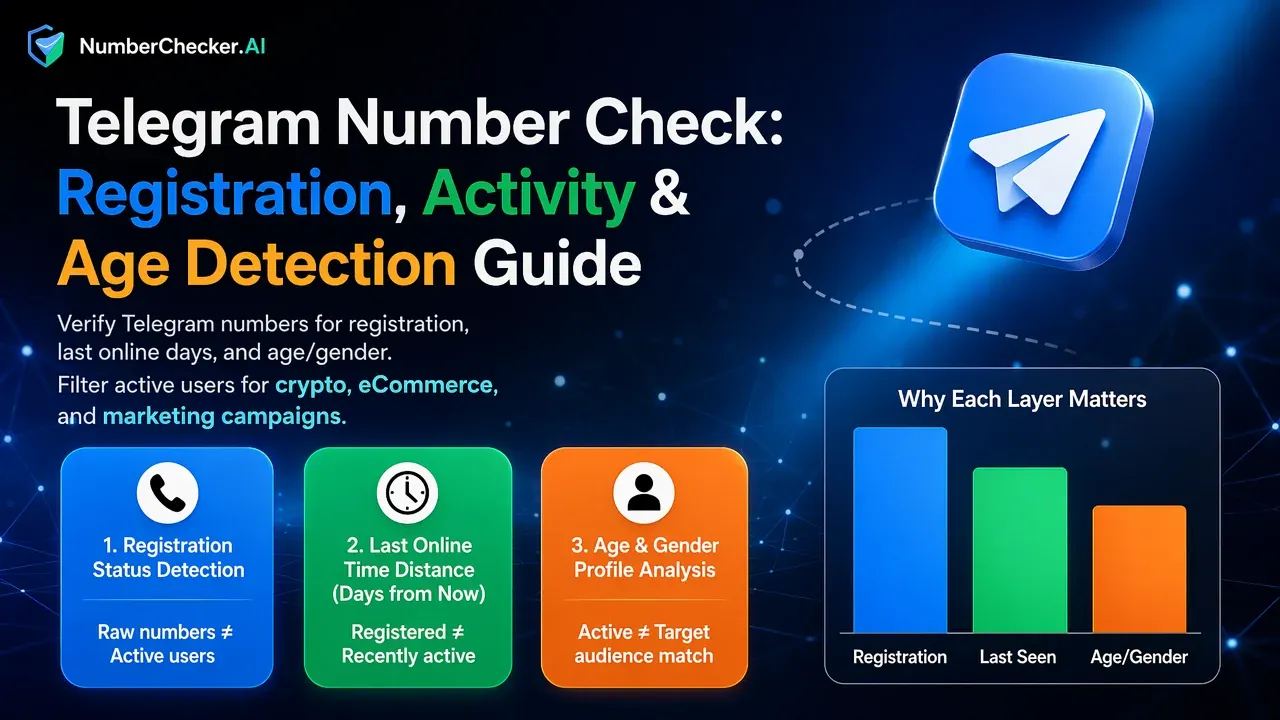
Telegram Number Check: Registration, Activity & Age Detection Guide
Verify Telegram numbers for registration, last online days, and age/gender. Filter active users for crypto, eCommerce, and marketing campaigns.
Telegram (TG) is not just a messaging app — it is a global traffic battlefield.
From crypto communities and OTC desks to cross-border eCommerce, Telegram has become one of the most active user ecosystems worldwide. But here’s the reality:
- Raw numbers ≠ Active Telegram users
- Registered ≠ Recently active
- Active ≠ Target audience match
Modern TG verification goes beyond checking if a number is registered. It includes registration status, last online days (activity), and age/gender profiling.
1. Basic Layer: Is the Number Registered?
The first step is verifying whether a phone number has a Telegram account.
Without this step, messaging attempts fail, and automation tools trigger risk alerts. Bulk registration detection allows you to filter invalid numbers before outreach.
Clean list → Higher delivery rate → Lower risk.
2. Advanced Layer: Last Online Time (Days Since Active)
This is where serious Telegram operations gain an advantage. Knowing whether a user was online today, within 3 days, or inactive for 30+ days changes everything.
2.1 Why Last Seen Data Matters
Telegram users vary widely. Some log in daily; others are long-term dormant.
- Inactive Users (60+ days): Low reply rates, high spam reports, zero conversion.
- Active Users (Recent): High engagement, high seen rates, better ROI.
Filtering by “last online days” allows precise targeting instead of blind outreach.
3. Precision Layer: Age & Gender Detection
For marketing, profiling matters. Telegram age and gender intelligence helps teams:
- Segment audiences more accurately.
- Align offers with demographic relevance.
- Optimize conversion funnels (e.g., Crypto for 20–40s, E-commerce by gender).
Instead of mass messaging, campaigns become structured and data-driven.
4. Why Detection Is Essential for Growth
Telegram has strict anti-spam systems. Aggressive outreach without filtering often leads to account limitations or bans.
Detection minimizes invalid attempts and irrelevant targeting, protecting both account health and campaign performance.
5. Who Needs Advanced Telegram Detection?
- Crypto & Web3 projects
- OTC trading desks
- Cross-border eCommerce teams
- Affiliate marketing groups
- SaaS user acquisition teams
If Telegram is part of your traffic strategy, layered detection gives you a competitive edge.
6. Workflow: From Rough Traffic to Refined Audience
Without detection: Import list → Send bulk messages → Hope for replies → Burn accounts.
With advanced Telegram detection:
- Verify registration.
- Filter by recent activity (e.g., online within 3 days).
- Segment by age & gender.
- Export refined audience.
- Launch controlled campaign.
This transforms Telegram operations from aggressive blasting to precision targeting.
7. Bulk & API Capabilities
Professional Telegram detection systems support:
- Large-scale number uploads.
- Structured output (Registered / Last Seen Days / Age / Gender).
- API integration for CRM & bot connections.
For teams operating at scale, automation is essential.
8. Responsible Usage
Telegram detection should always be used in accordance with local data regulations and for legitimate business purposes. Responsible use ensures long-term sustainability.
9. Conclusion: Telegram Is a Precision Game
Telegram traffic is high-value — but only if filtered correctly.
Real advantage comes from recent activity filtering and demographic segmentation. In competitive digital markets, data depth determines growth speed.
Advanced detection is not optional — it is infrastructure. Try NumberChecker.AI for layered Telegram detection (registration, last seen, age & gender).
Ready to get started?
Try our WhatsApp number validation service and see the difference clean data makes.

