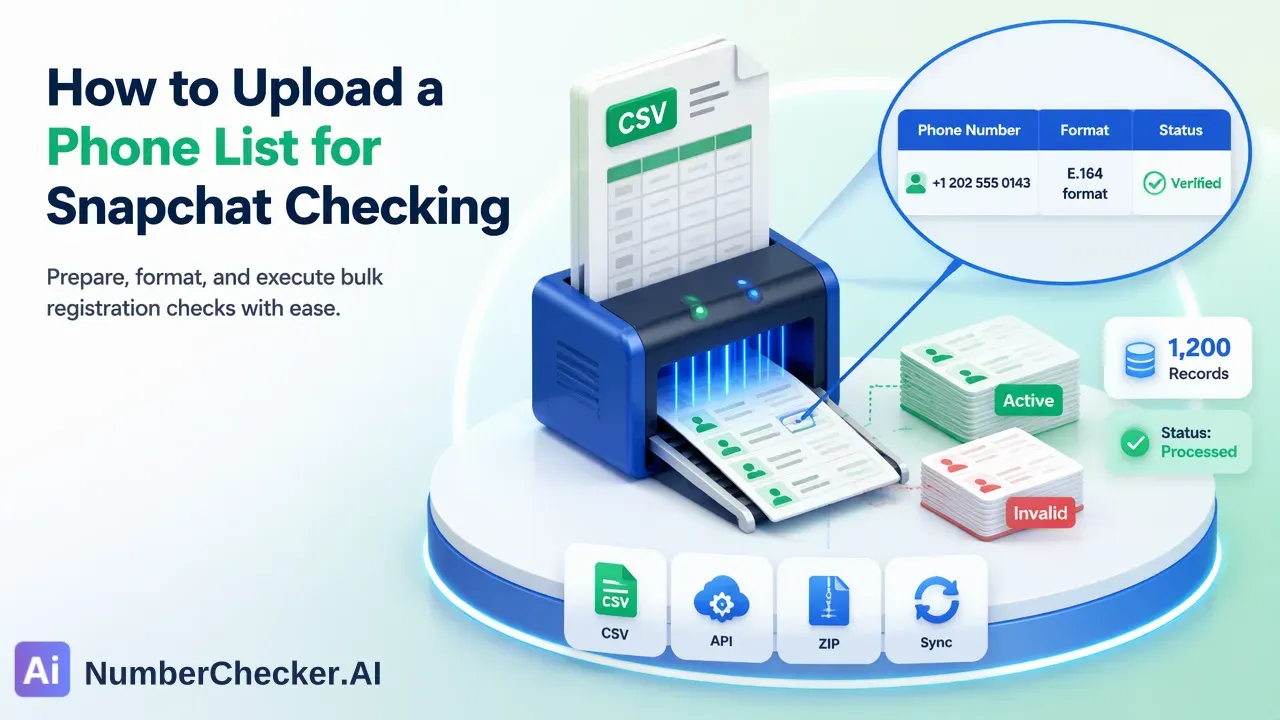
How to Upload a Phone List for Snapchat Checking
Learn how to format and upload phone lists for Snapchat registration checking, execute bulk tasks, and export ZIP results for list segmentation.
To execute a snapchat checker bulk upload on NumberChecker.AI, prepare a plain CSV or TXT file containing one phone number per line, restricted to a single country per file. Every entry must include the destination country code, with the leading plus sign treated as optional. Submit the file through the bulk list interface or trigger an asynchronous REST API task. Once processing concludes, retrieve the output as a downloadable ZIP file containing registration-status signals for customer-controlled review and segmentation.
Preparing Your Phone List for Snapchat Checking
Successful bulk processing requires strict adherence to file formatting and structural standards before launching a task. Formatting inconsistencies or mixed-region entries can cause processing errors or invalid parsing across large batches.
File Format and Layout Specifications
When preparing files for a snapchat checker bulk upload, ensure your dataset conforms to the following input rules:
-
Accepted File Types: Prepare the data as either a standard CSV (.csv) or plain text TXT (.txt) document.
-
Line-by-Line Structure: Place exactly one phone number per line. Do not include extraneous delimiters, trailing spaces, multiple phone numbers on a single line, or supplementary contact columns in plain TXT submissions.
-
Country Code Inclusion: Every record must include its national country calling code. The leading plus sign (
+) is optional (for example, both12025550143and+12025550143are recognized). -
Single-Country Files: Each file must contain numbers from only one country. Mixed-country batches are not supported; datasets spanning international regions must be divided into separate, country-specific files prior to upload.
Pre-Processing and Hygiene with Dashboard Utilities
To avoid paying for malformed or redundant records, teams can utilize the free dashboard Toolbox utilities before running a paid platform check. The Number Cleaner utility normalizes phone numbers into standard E.164 formatting, strips duplicate entries, and removes structurally invalid phone numbers. Pre-cleaning your file ensures that your bulk submission contains only normalized entries ready for evaluation.
Executing the Bulk Snapchat Check
Once your files are formatted and cleaned, you can submit them through the web interface or automate the workflow programmatically.
Running Bulk Uploads
Organizations checking lists can submit their files directly to the Snapchat Checker tool. Select the relevant target country from the country selector to ensure parsing aligns with the country’s local numbering plan. After uploading your CSV or TXT document, the system queues the records for processing.
Regional availability varies across telecom environments. Phone-number checking does not support China mainland. In addition, Hong Kong, Macau, and Taiwan are unsupported for phone-number products with the exception of LINE. Teams should always verify their intended destination market against the product country selector prior to running batch jobs.
Asynchronous Task Execution
Bulk checking operations are structured as asynchronous tasks rather than instantaneous single-lookup requests. Because bulk datasets can contain thousands of records, processing occurs in the background via an asynchronous REST API task workflow. Technical teams integrating automated pipelines can consult the NumberChecker API docs for exact task initiation and polling mechanics. This decoupled model allows large batches to execute without maintaining an open, blocking connection during verification.
Accessing and Reviewing Results
When an asynchronous batch run completes, the output dataset is packaged and made available for extraction.
Downloading Task Outputs
Completed task results are exported as a downloadable ZIP archive directly within your account dashboard or via task-retrieval endpoints. This archive contains structured output files mapping each evaluated phone number to its corresponding platform-registration signal.
Signal Interpretation and Boundaries
Interpreting the Snapchat Checker signal accurately is critical for maintaining operational compliance and realistic routing logic:
-
Registration Signal Defined: The check returns a platform-registration signal identifying whether an account associated with that specific phone number is present on Snapchat at the time of verification.
-
Reachability and Deliverability Context: A positive signal reflects platform-specific reachability and deliverability at check time. It indicates that the number is tied to an existing handle on the network.
-
Non-Identity and Non-Consent Signal: Registration status does not verify the real-world identity or legal ownership of the subscriber holding the line. Furthermore, a confirmed platform presence does not establish express consent for commercial messaging or outreach.
-
Absence of Usage Telemetry: A registration check does not measure app usage frequency, message read status, recency of login, or user engagement intent. Separate dedicated activity checkers exist for platforms that support activity telemetry, but the Snapchat Checker evaluates platform presence exclusively.
Structuring Registration Signals in Downstream Workflows
Extracted records provide customer-controlled data that can support internal routing and audience segmentation. Teams often incorporate registration signals alongside other specialized filters to refine multichannel communication strategies.
Practical Segmentation Approaches
| Workflow Stage | Signal Input | Operational Action |
|---|---|---|
| Pre-Check Hygiene | E.164 normalization & deduplication | Eliminates invalid lines before submission using the free dashboard Toolbox. |
| Platform Filtering | Snapchat registration signal | Identifies numbers with an active platform presence to support channel selection. |
| Channel Prioritization | Cross-referenced contact signals | Informs routing decisions between messaging apps, SMS, or alternative touchpoints. |
| Audience Review | Internal consent & compliance records | Ensures registered numbers meet jurisdictional criteria before initiating campaigns. |
Using registration data as one modular input helps teams review large datasets, supports prioritization within outreach stacks, and informs internal decisions without assuming user intent or engagement.
Frequently Asked Questions (FAQ)
What file formats are supported for Snapchat list uploads?
The platform accepts plain CSV and TXT files for bulk phone list submissions. Each file must contain one phone number per line and be restricted to a single country code.
Can multiple countries be combined into a single upload file?
No. Phone list uploads require one country per file. If your contact records span multiple jurisdictions, split them into distinct country-specific files before submitting the batch to the checker.
What does the Snapchat Checker signal indicate?
The Snapchat Checker provides a platform-registration signal confirming whether an account presence exists for a specific phone number at check time. It does not verify subscriber identity, device status, ongoing account activity, ownership, or consent for communications.
How are regional phone numbers checked across different countries?
Coverage availability should be confirmed using the product country selector. Note that China mainland is unsupported for phone-number products. Hong Kong, Macau, and Taiwan are also unsupported for phone-number products outside of LINE.
Get Started with NumberChecker.AI
Explore NumberChecker.AI’s supported bulk list-checking products and choose the capability that fits your workflow.
Ready to get started?
Try our WhatsApp number validation service and see the difference clean data makes.

