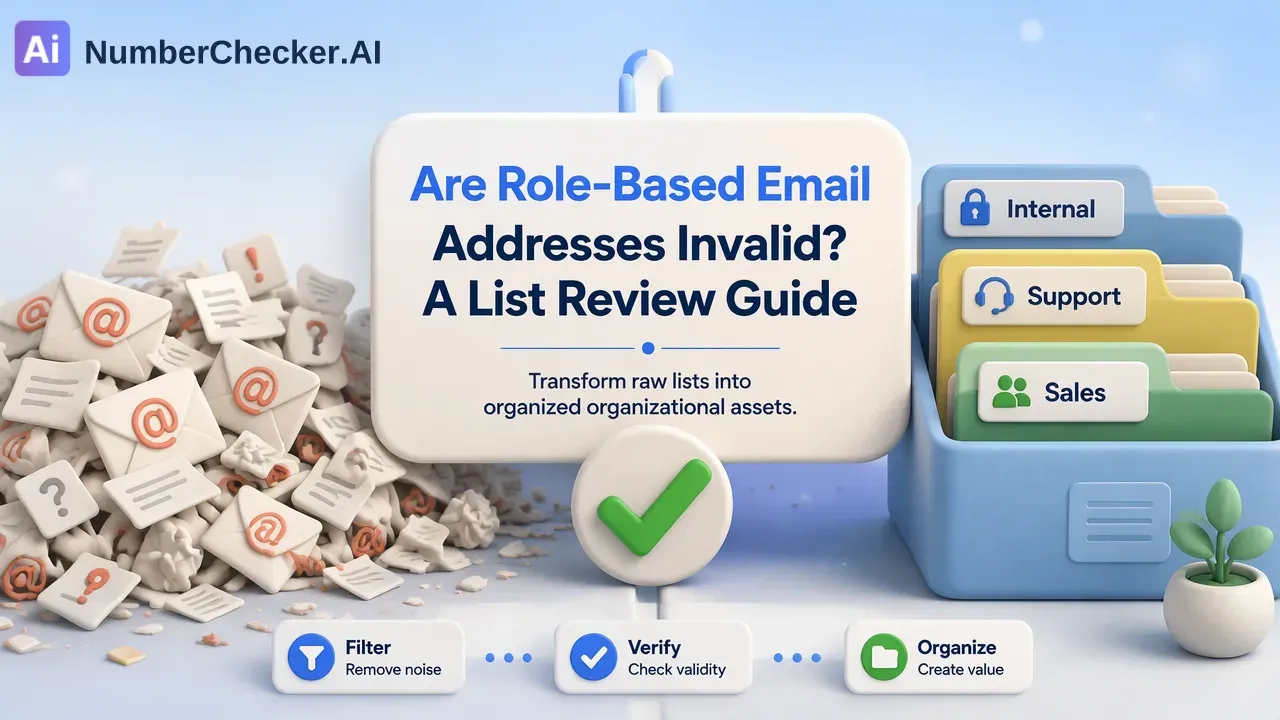
Are Role-Based Email Addresses Invalid? A List Review Guide
Separate shared-function mailboxes from invalid or disposable addresses and apply a purpose-based review before bulk email validation.
Role-based email addresses are not inherently invalid. Addresses such as sales or support can represent genuine organizational functions, although they may be a poor fit for a message intended for one named person. Review their source, purpose, permission, and validation evidence separately before deciding whether to keep, suppress, or confirm them.
What a role-based address means
A role-based address names a function rather than a particular person. The RFC on common mailbox names lists business functions such as sales, support, marketing, and information, as well as operational contacts such as postmaster and abuse. These conventions explain why a role-like local part is not, by itself, a sign of a malformed or disposable mailbox. An organization may intentionally publish an address so that messages reach a team or a changing duty holder.
The pattern also has limits. Seeing support@ or sales@ does not prove that the organization operates that mailbox, accepts external messages there, or has agreed to receive a particular communication from the sender. A custom address may be role-based even without a common prefix, and a person’s address could coincidentally contain a role word. Treat the local part as a clue for review, not as a universal classification rule.
This question differs from ordinary syntax checking. An address can have valid syntax and a domain with mail records while being unsuitable for the team’s purpose. Conversely, a shared-function mailbox can be completely appropriate for a support escalation or procurement inquiry. The next step depends on why the address entered the list and what message the team intends to send.
Separate three decisions that lists often collapse
First ask whether the string is structurally suitable for an email check. That is the realm of syntax, MX, and the selected validation signal. Next ask whether the mailbox appears to be a shared organizational function. That is a source and naming review performed by the team, unless a selected product explicitly documents such a classification. Finally ask whether this address is appropriate for the intended message and whether there is a permission basis for using it. A technical result cannot answer that final question by itself.
For example, an address supplied on a company’s public contact page may be useful for a legitimate business inquiry, but it does not become a named subscriber to a newsletter. An address entered by a customer into a service account may be intended for support notifications, but the team still needs to honor the account’s preferences and purpose restrictions. These are examples of review questions, not claims about what a checking tool decides or what a law permits.
Keep separate columns for address evidence, role suspicion, source, permission, intended use, and decision. A team can label a row as manual review when the purpose is unclear. Do not assign invalid merely because the local part says info, and do not assign approved merely because a check returns a favorable result. Clear labels prevent an operational shortcut from becoming a false statement about deliverability or consent.
Build a review rule around the message purpose
Define a small policy before processing the list. For person-specific communications, a shared inbox may require confirmation of the recipient relationship or an alternative contact supplied by the organization. For functional communications, a published support or procurement address may be a better destination than an individual’s outdated mailbox. For optional promotional sends, the team’s permission and suppression rules should govern whether any address is included, shared or personal. Document the reason for each decision so the rule can be audited later.
Review common names as candidates rather than a complete dictionary. The RFC covers familiar role names, but organizations can use language-specific names, aliases, and custom routing. A literal prefix check will miss some and falsely flag others. Combine the mailbox string with provenance: where it was collected, who supplied it, whether it was confirmed, and what task the organization said it should serve. If the source is unknown, hold the record until the team can establish a legitimate use or obtain confirmation.
Do not merge all role addresses at a domain. sales@, support@, and security@ have different intended functions. Sending a sales promotion to a security contact because both share a domain ignores the very role information the list contains. Keep the exact address, not merely the domain, in the working record. If several source records point to the same role mailbox, preserve their separate histories even if the check input is deduplicated.
Prepare and check the list without inventing product behavior
NumberChecker.AI documents bulk checking of supported email lists through CSV or TXT uploads and asynchronous REST API tasks. Its free Email Cleaner checks syntax and MX records and removes duplicates and disposable addresses. None of those documented facts says that a role-based address is automatically detected, rejected, or approved. Run the team’s role review as its own process, and use the Email Validation product only for the capability it actually documents.
Before a bulk check, preserve a snapshot of the original address, its source record, and the team’s role-review decision. Prepare the submitted list according to the selected workflow and keep a mapping from each input address to all original rows. If the team removes exact duplicates from the input, do not discard different permission or purpose records behind them. If an address is malformed, seek a source correction instead of making up a replacement local part.
Completed results are downloadable as ZIP files for customer-controlled review. Reconcile the result to the submitted address and preserve the role review as a separate column. Inspect the actual product output before assigning a status; do not infer a universal schema or an ability to identify a human recipient. A favorable email validation signal does not mean a role mailbox will route to the specific person the team wanted, and an unresolved result should not be turned into a definitive judgment about the organization.
Apply a decision and keep exceptions visible
The review can end in four practical outcomes. Retain the address for its documented functional purpose. Request a named or confirmed contact when the message needs an individual. Hold the row when source or permission evidence is missing. Suppress it for a specific use when the team’s policy or recipient preference calls for that. These are customer-managed decisions, not automatic checker states.
An exception log should record which question remains open: syntax, domain mail setup, role classification, source provenance, permission, or intended use. This prevents a team from rerunning the same technical check to solve a nontechnical uncertainty. If a recipient or organization supplies a corrected address, retain the old value as history, update the source mapping, and check the new address separately. Do not move an earlier result to a different mailbox string.
Role-based mailboxes become manageable when the team treats them as a use-case question. Standards show that many exist for real functions. Validation can supply a technical signal for the submitted address. The final decision about contacting it comes from its purpose and the team’s own records. Keeping those layers separate avoids both blanket deletion of useful contacts and blanket approval of addresses that were never intended for the planned message.
Frequently Asked Questions (FAQ)
Are sales and support addresses always invalid?
No. Common mailbox-name guidance recognizes sales and support as organizational functions. Whether a particular mailbox works or is suitable for a message still requires evidence and review.
Does Email Cleaner automatically identify role-based mailboxes?
The documented Email Cleaner functions are syntax and MX checks plus removal of duplicates and disposable addresses. Do not assume a role-detection feature from those facts.
Can a valid role mailbox receive a personal marketing message?
Technical validity does not establish that the mailbox is the intended destination or that the recipient permitted the message. Review the source, purpose, and applicable permission records.
What should teams do with an uncertain role address?
Keep it in a visible review bucket with the reason for uncertainty. Ask the source or organization for a suitable contact when the intended use requires one.
Get Started with NumberChecker.AI
Explore NumberChecker.AI’s supported bulk list-checking products and choose the capability that fits your workflow.
Ready to get started?
Try our WhatsApp number validation service and see the difference clean data makes.

