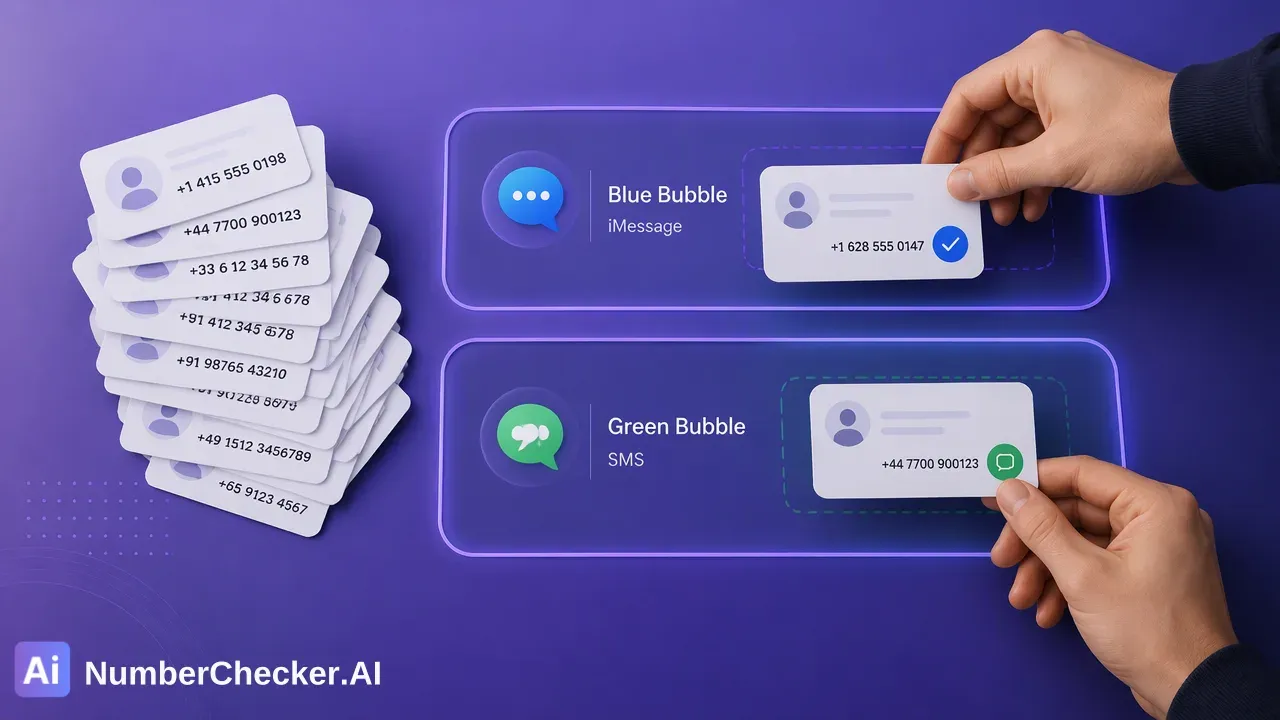
iMessage Checker: When to Send iMessage vs SMS
A neutral comparison of iMessage-registered and SMS-only numbers, and how an iMessage checker helps teams plan which channel to use for each segment.
SMS reaches almost any mobile number, while iMessage works only between Apple devices, so the two channels suit different parts of a contact list. An iMessage checker reports which numbers in a list are registered for iMessage, which lets teams separate an iOS and Apple ecosystem segment from the rest and plan message formats for each.
iMessage vs SMS: the practical differences
The two channels differ mainly in who can receive them and what they can carry.
| Topic | SMS | iMessage |
|---|---|---|
| Who can receive it | Almost any mobile number | People using Apple devices |
| Typical content | Short text messages | Text plus richer media and conversation features |
| Delivery path | Mobile carrier network | Internet-based Apple messaging |
| Planning question | Does the number accept text messages? | Is the number registered for iMessage? |
Neither channel is better in every case. SMS is the broad fallback for a general list. iMessage is relevant for the part of a list that sits in the Apple ecosystem, where teams may want a conversational, media-friendly format for outreach and support.
What an iMessage checker reports
An iMessage checker reports a platform-specific registration signal at check time: whether a phone number is registered for iMessage. NumberChecker.AI documents this product with an iOS and Apple ecosystem segmentation positioning, which fits the planning use in this article.
The signal has boundaries:
- It does not show that a person will read or reply to a message.
- It is not consent. Recipients need prior express and informed consent for outreach.
- It is not phone validity, which is a separate product.
The check itself runs on lists. Upload a CSV or TXT file with one country per file and one number per line, including the country code, then download the completed results as a ZIP file.
Planning message routes with the result
Once the list is split into iMessage-registered numbers and the remainder, a team can make its own routing choices. The checker does not send messages; it only informs the plan.
Examples of how teams use the split:
- iMessage-registered segment: review whether a conversational, media-rich message style suits the audience, for example for customer support follow-ups.
- Remainder: keep these numbers on SMS or other existing channels in the plan.
- Mixed campaigns: design one message in two formats, so each segment receives a version matching its channel.
These are internal planning choices, not product requirements.
Prepare the list and keep records
Before checking, run the list through Number Cleaner in the free dashboard Toolbox. It normalizes numbers to E.164 and removes duplicates and invalid entries ahead of a paid check, so the comparison is based on a tidy list.
After the check:
- Add an iMessage tag and the check date to each record.
- Keep consent records in a separate field.
- Re-check older lists before a large send, because the result describes the moment of the check.
Teams that want automation can use the asynchronous REST API task workflow described in the current API documentation.
Frequently Asked Questions (FAQ)
How can teams decide between iMessage and SMS for a contact list?
Check the list for iMessage registration, then plan iMessage-style messaging for the registered segment and keep the remainder on SMS or other existing channels. The checker informs the plan but does not send messages.
Does an iMessage-registered number mean the contact will reply?
No. The signal shows registration for iMessage at check time.
Can the result be used as consent for messaging?
No. Recipients need prior express and informed consent for outreach, and teams should keep those records separately from the iMessage tag.
How should phone lists be formatted?
Use one country per file and one number per line with the country code; the plus sign is optional. CSV and TXT uploads are supported.
Get Started with NumberChecker.AI
Explore NumberChecker.AI’s supported bulk list-checking products and choose the capability that fits your workflow.
Ready to get started?
Try our WhatsApp number validation service and see the difference clean data makes.

