HLR Lookup Explained: A Guide to Phone Number Verification
Learn how HLR lookups work, how to interpret status codes like LIVE and ABSENT_SUBSCRIBER, and how to use this data to optimize your SMS and voice communication.
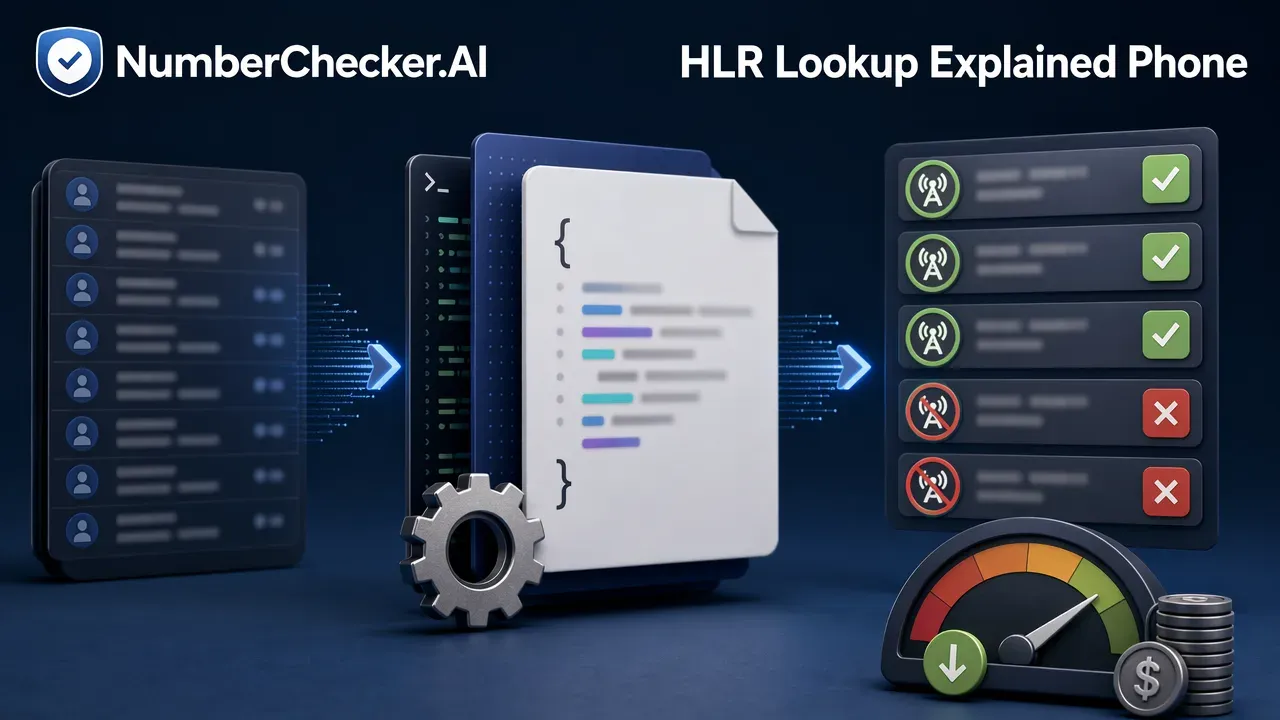
An HLR (Home Location Register) lookup is a process that queries a mobile network’s database to verify the status of a phone number. It helps businesses determine if a number is active, reachable, and what type of network it belongs to. This data is essential for maintaining accurate contact lists, reducing messaging costs, and optimizing call routing. HLR lookup explained: it is a foundational tool for database hygiene that helps prevent messaging dead numbers, which saves money and protects sender reputation.
What is an HLR Lookup?
HLR stands for Home Location Register. It is a central database used by mobile networks to store and manage information for each subscriber authorized to use that network. When you perform an HLR lookup, you are querying this database to retrieve real-time information about a specific phone number’s status and network association.
Key Data Points in an HLR Response
To effectively use HLR data, developers should focus on three primary fields returned in the JSON response:
- live_status: Indicates if a number is currently active and reachable on the network.
- telephone_number_type: Identifies the category of the number, such as mobile, landline, or VoIP.
- current_network_details: Provides information on the network currently hosting the number, including MCC (Mobile Country Code) and MNC (Mobile Network Code).
Interpreting Status Codes
Understanding the status returned by the network is critical for business logic. Common codes include:
- LIVE: The number is active and reachable.
- DEAD: The number is inactive and should be removed from your database.
- ABSENT_SUBSCRIBER: The number is real but currently unreachable; retry later.
- NO_TELESERVICE_PROVISIONED: The number is active but cannot receive SMS messages.
Best Practices for Integration
When integrating HLR lookups into your systems, follow these technical best practices:
- Parse by field name: Since JSON responses are unordered, always parse by field name rather than relying on the order of the data.
- Optimize routing: Use the
telephone_number_typefield to route calls appropriately or to exclude non-SMS capable numbers from your messaging campaigns. - Handle retries: Re-queue numbers that return
ABSENT_SUBSCRIBERor inconclusive results for a second pass to ensure you do not discard potentially valid contacts.
Frequently Asked Questions (FAQ)
What is the difference between a LIVE and ABSENT_SUBSCRIBER status?
A ‘LIVE’ status indicates the number is active and reachable on the network. An ‘ABSENT_SUBSCRIBER’ status means the number is valid but currently unreachable, often because the device is turned off or out of range; this status warrants a retry later.
Can HLR lookups identify if a number has been ported?
Yes, HLR lookups provide current network details, which can help identify the network currently hosting the number, even if it has been ported from its original provider.
What should I do if a network returns NO_COVERAGE?
A ‘NO_COVERAGE’ or similar inconclusive result suggests the network could not provide a definitive status. It is best practice to re-queue these numbers for a later attempt rather than marking them as permanently inactive.
Get Started with NumberChecker.AI
Explore NumberChecker.AI’s supported bulk list-checking products and choose the capability that fits your workflow.
Ready to get started?
Try our WhatsApp number validation service and see the difference clean data makes.

