Facebook Phone and Email Checks Disagree: What Should a List Owner Record?
Learn how to interpret opposite Facebook registration checks for a phone and email on one CRM row without making an unsupported person-level account claim.
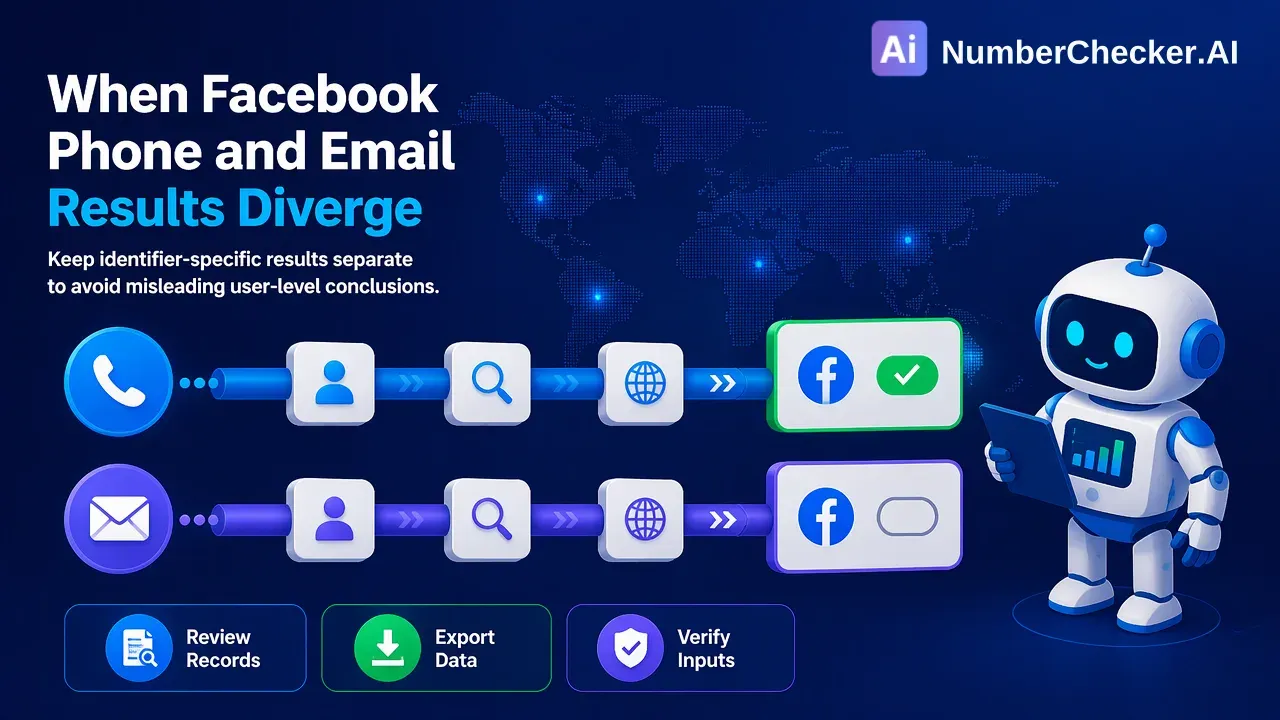
A positive Facebook phone check and a negative email check are two identifier-specific observations. Preserve both results, their inputs and check dates, then review the source contact record before making any person-level conclusion.
Why two results can diverge
NumberChecker offers distinct Facebook phone and Facebook email checks. One asks about the supplied number; the other asks about the supplied address. A CRM row may hold both values, but that row is an internal customer record, not proof that the two identifiers are attached to one Facebook account. A difference between the check results therefore does not, by itself, show that either checker failed.
Consider a lead record with a work email and a mobile number entered at different times. The phone check returns a registration signal; the email check does not. The result may simply reflect that the account uses one identifier and not the other, or that the CRM record combines stale or mismatched contact details. The checks do not identify the person who controls an account. Treat this as a data-review question, not an account-ownership verdict.
Record the two observations before deciding what they mean
Store each result with its exact input type, the named product, check date and returned status. Keep an explicit unknown or unavailable value distinct from a negative result. If your source has an internal contact ID, use it to group observations while preserving the original phone and email values under their own fields.
| Phone result | Email result | Practical interpretation for the CRM row |
|---|---|---|
| Positive | Positive | Both supplied identifiers returned signals; do not assume they point to one Facebook account. |
| Positive | Negative | Preserve the phone signal and the email negative separately; review which input is current. |
| Negative | Positive | Preserve the email signal and review the phone field separately. |
| Negative | Negative | Neither supplied identifier returned a positive signal in these checks; do not infer the person has no account. |
| Any | Unknown or unavailable | Leave the unresolved identifier pending; do not convert the blank into “no.” |
These labels are a suggested customer-side recordkeeping method, not an undocumented NumberChecker output schema. The source result remains authoritative for the exact value the product returned. A check date helps the next reviewer understand that registration observations can become stale as identifiers and account settings change.
Review the contact record, then choose the next check
Start with the inputs rather than retrying blindly. Confirm that the number and address belong on the same CRM row according to your own records, that neither was copied from another contact, and that both were submitted in the expected format for their respective products. If a field is outdated, correct the CRM source first. If a result is unavailable, inspect its task outcome and retry only when the actual source status supports doing so.
Next, decide what business question you need answered. If the team only needs a phone-list registration signal, the email result does not replace it. If it is validating an email-based segment, a positive phone result does not establish email-based registration. If the purpose is to identify the human behind an account or to establish permission to message them, neither registration checker supplies that proof. Keep consent and contact preferences from the customer’s own records.
For example, an analyst could annotate a row: “Phone: Facebook signal observed on 13 November; email: no registration signal observed on 13 November; inputs verified against CRM source; identity link unconfirmed.” This is an illustrative note, not a real test result. It lets a colleague see both observations without collapsing them into a single, misleading “Facebook user” flag.
Build an export that remains reviewable
A compact export can contain contact ID, phone input, phone-check product/date/result, email input, email-check product/date/result, source-data review status and next action. Preserve the raw observations even if a downstream workflow uses a simplified review flag. For instance, “needs contact-data review” can route an inconsistent row to a human without declaring the person registered or unregistered.
If the team needs both identifier checks, run the corresponding Facebook phone checker and Facebook email checker on the appropriate authorized lists, then join outputs by your own contact ID for review. Keep the phone and email results in separate columns. The resulting record answers what each submitted identifier returned at check time; any person-level decision needs additional evidence from your own verified customer information. For current checker documentation, consult the NumberChecker API docs.
Get Started with NumberChecker.AI
Explore NumberChecker.AI’s supported bulk list-checking products and choose the capability that fits your workflow.
Ready to get started?
Try our WhatsApp number validation service and see the difference clean data makes.

