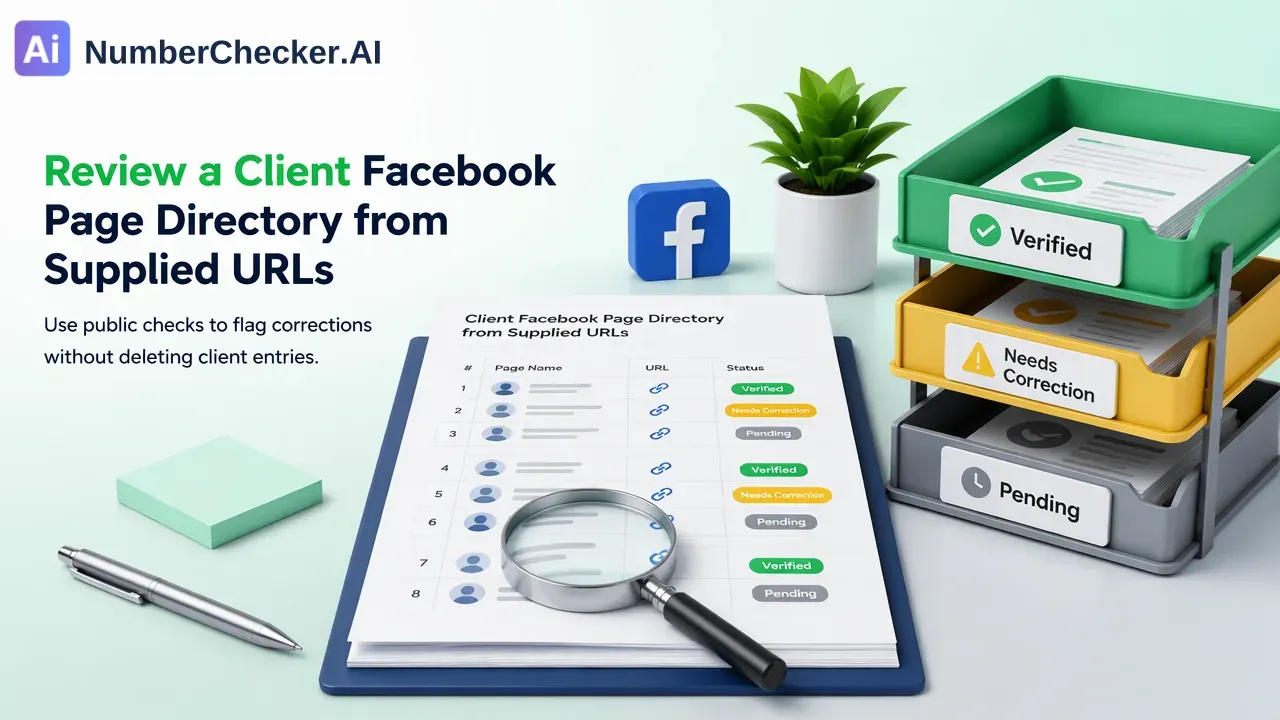
Review a Client Facebook Page Directory from Supplied URLs
Clean supplied Facebook Page links, compare available public profile details, and keep uncertain entries in a client correction queue.
For a client-supplied Facebook Page directory, validate each submitted identifier, run the supported public-profile check, compare returned names and IDs with the source list, and send uncertain entries to the client for confirmation. A missing public result does not prove a Page was deleted.
Clean the supplied links before checking
An agency may inherit a directory with a mix of Page usernames, numeric IDs, copied browser URLs and links to posts or groups. The immediate job is to determine which entries point to profiles or Pages the client actually wants listed, not to discover new businesses.
NumberChecker’s Facebook ID/Username Profile Checker documentation accepts a numeric profile ID, a vanity username, or supported profile URL forms such as a direct facebook.com name, profile.php with an ID, and a people path with an ID. A link copied from a group, login screen or another non-profile path needs correction before upload. Keep both the original URL and the cleaned input in the agency worksheet, so a later reviewer can see what changed.
Ask the client to identify which entries are official Pages and which, if any, are personal profiles. The exported public fields do not provide a reliable Page-versus-profile type column for the agency to invent one. A similar display name is not enough to confirm that the returned account is the client’s official Page.
Compare the exported snapshot with the directory
The product uses an asynchronous bulk task. After the task is exported, the agency can download the result and join it back to its source rows by the submitted identifier. Keep the check date and task reference with that export. A pending or processing task is not a completed directory review.
For each available public result, compare the returned numeric identifier, canonical username when present, and displayed name with the client’s record. The public photo and short tagline, when present, can help a human notice a likely mismatch, but they do not verify business ownership. If the Page name has changed, record the old name, returned name and the client’s confirmation before changing a live directory entry.
The official result guide describes a follower field whose meaning differs by entity: for Pages, it represents Page likes; for personal profiles, it represents followers. Keep the client-confirmed Page/profile classification beside the count and label it accordingly. Do not pool Page likes and profile followers into one comparable audience score. An empty count means no count is available in that row, not zero interest or a deleted business.
Treat unavailable public pages as a correction queue
A result that cannot obtain a public profile page is ambiguous. The documentation says the same unavailable outcome can cover a nonexistent profile, a deactivated one, or one that is not visible to logged-out visitors. Those are different situations for a client directory. Mark the row “needs client confirmation,” preserve the original supplied link and ask the client for the current official Page URL or ID.
The reviewer can also open the supplied link through an authorized ordinary browsing session when appropriate, but should not assume that being able to view it while logged in means it is publicly available. Do not remove a client from the directory merely because a bulk public check lacked a usable result. Conversely, a returned public name is not proof that a business still controls the account.
A simple queue note is more useful than a yes/no deletion flag: “Supplied vanity URL did not yield a public result at check time; request current Page link from client.” The agency can resolve that row without blocking every other confirmed entry.
Publish only the entries the client has confirmed
Once the comparison is complete, separate directory rows into “matches supplied Page,” “name or link needs correction,” and “unavailable pending confirmation.” These are review outcomes created by the agency, not product output categories. Retain the dated source and result so future changes can be compared without rewriting history.
Generic tools may discover Facebook links from websites or search by keyword (Social Link Extractor; Apify). This workflow starts with the client’s own directory. It asks whether those specific supplied entries still align with available public profile facts, then routes exceptions back to the client.
Before the next directory update, clean the submitted links, check the supported identifiers, and request client confirmation for any changed or unavailable Page. That preserves a usable public directory without claiming access to private account data or control over the Page.
Get Started with NumberChecker.AI
Explore NumberChecker.AI’s supported bulk list-checking products and choose the capability that fits your workflow.
Ready to get started?
Try our WhatsApp number validation service and see the difference clean data makes.

