How to Review Email Typos Before Validation Without Silent Changes
Email typo correction before validation should be a proposal, not a silent overwrite. Keep the original address, record the suspected correction and its.
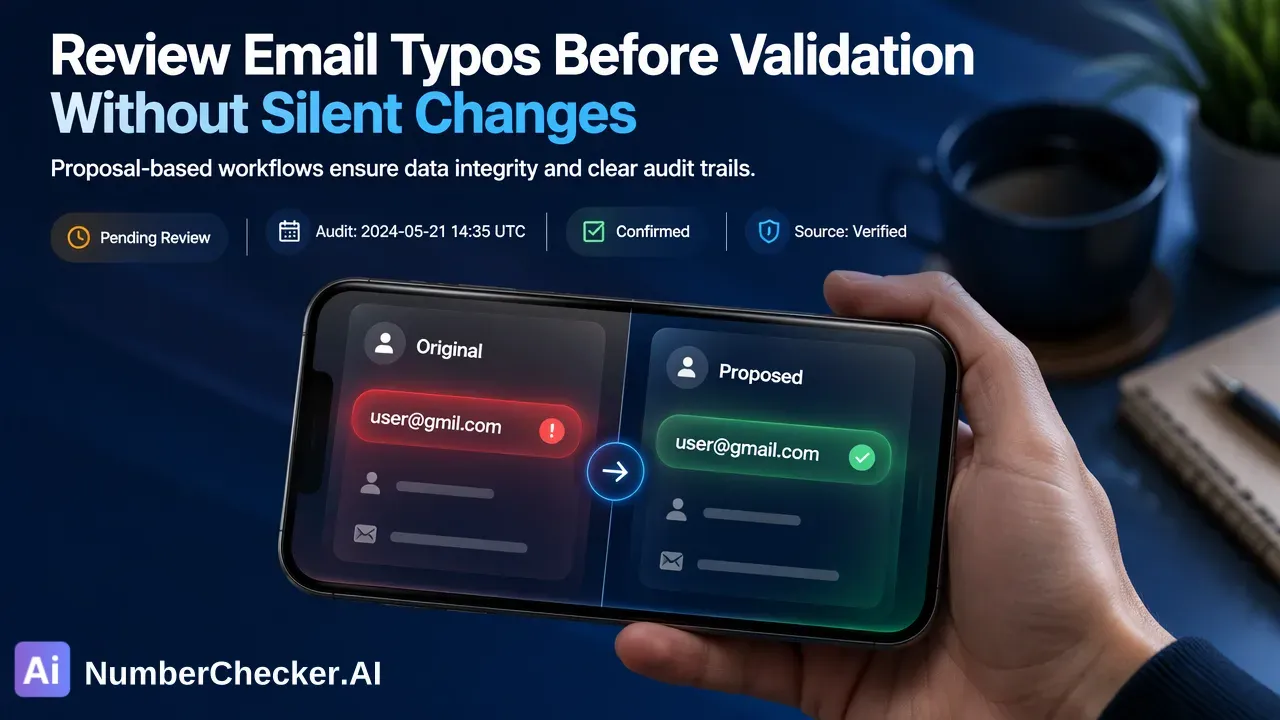
Email typo correction before validation should be a proposal, not a silent overwrite. Keep the original address, record the suspected correction and its reason, obtain confirmation from an appropriate source, then recheck the changed address as a new value. A valid-looking domain can still be the wrong mailbox, and NumberChecker.AI does not document an automatic typo-correction feature.
Separate obvious syntax errors from plausible wrong domains
Some errors are visible in the address string, such as a missing at sign or an accidental space. Other errors look technically plausible: a familiar provider name may be misspelled into an existing domain, or a person may have typed a valid domain that belongs to another organization. Syntax and MX review cannot determine what the contact intended in every case. That distinction is the heart of a safe correction workflow.
NumberChecker.AI’s free dashboard Email Cleaner checks syntax and MX records, removes duplicates and disposable addresses. It is useful for finding some technical issues before a paid bulk check. It does not establish that a corrected spelling belongs to the same person, and the current product profile does not claim to generate or apply typo suggestions. Keep correction logic in the team’s own review process. Mailchimp’s import troubleshooting guidance describes misspelled common domains as an import problem, which illustrates why a team should inspect such cases; it does not authorize changing a customer’s address without confirmation.
Export a working table with source ID, original address, suspected issue and evidence. Preserve the original string even if it seems obviously wrong. For each candidate correction, ask whether the domain is known from an existing signed contract, confirmed customer message or current company contact page. A guess based only on visual similarity should remain a suggestion. Do not infer that a corrected address is owned by the original CRM contact.
Create a proposal and confirmation record
A practical review table has the original address, proposed address, reason for the proposal, reviewer, confirmation source and date. Add an explicit state such as proposed, confirmed, rejected or unresolved. These are internal states, not product statuses. If the customer supplies a corrected address through an established channel, record that source. If the proposed address comes from a salesperson’s memory, ask for stronger evidence before replacing the contact record. Avoid sending sensitive or promotional content to an unconfirmed candidate just to see whether it bounces.
Where an address is role-based, such as a shared support inbox, confirm the business function rather than assuming a named person’s mailbox. Where a domain was rebranded, check whether the new address was actually provided for this contact. A redirect, alias or similar-looking domain does not prove that the CRM should be rewritten. If the contact cannot be reached through an authorized channel, hold the candidate in an unresolved bucket and leave the original intact.
Do not collapse several corrections into one bulk find-and-replace without reviewing exceptions. A typo that looks common in one market may be a legitimate brand in another. Two different people may use addresses that differ by one character. Log who approved a change so later campaign analysis can distinguish a genuine correction from a guessed data transformation. This is especially important when records are shared among support, sales and billing teams.
Recheck the corrected value and protect the audit trail
Once a change is confirmed, treat the corrected address as a new input for the chosen Email Validation product. Do not attach the old result to the new address or assume that a domain-level observation carries over to a different mailbox. NumberChecker.AI supports CSV or TXT bulk email-list workflows, with completed results available as ZIP files for review. Preserve the product name, check date, original value and corrected value in the team’s mapping. If the address changes again, repeat the review rather than overwriting the history.
A technical validation result still does not grant permission for a marketing message. Reconcile the confirmed address with the contact’s consent and suppression records. A correction to a billing address, for example, should not silently expand the scope of marketing permission. If a candidate remains unconfirmed, exclude it from any process that requires confidence in the intended recipient and give a data steward a clear next action.
The goal is an accountable record: what was originally supplied, why a typo was suspected, who confirmed the new address, which value was checked, and what campaign decision followed. A good workflow may leave some rows unresolved. That is preferable to creating confident-looking but false contact details. A checker can help assess a submitted value; it cannot recover the customer’s intended spelling from a guess. This separation protects both data quality and the trustworthiness of later list reviews.
Handle competing correction candidates
Sometimes two plausible corrections exist: the local part may be wrong, the domain may be wrong, or both. Do not choose the candidate that happens to pass a technical check and call it the intended address. Record both proposals and the source that suggested each. If the contact or account owner cannot confirm either, keep the record unresolved. Where a correction affects several linked CRM records, review each relationship before updating them all. One confirmed address change for a support case may not authorize rewriting an unrelated sales lead. The audit trail should explain every propagated change.
Include a review sample after the CRM update: inspect the corrected value, linked contact, permission record and last communication. If any of these no longer align, reopen the correction instead of assuming the technical check settled it.
Frequently Asked Questions (FAQ)
How can teams correct an email typo without guessing the intended contact?
Keep the original, propose a correction and seek confirmation from a reliable source before changing the CRM value.
Can a technically valid address still be the wrong one?
Yes. Syntax or domain routing may be plausible even when the address belongs to a different person or organization.
Should a corrected address inherit the original validation result?
No. Recheck the corrected value and retain both values in the audit trail.
Does NumberChecker.AI automatically correct email typos?
The current product facts do not document that capability. Treat typo proposals as a user-managed review process.
Get Started with NumberChecker.AI
Explore NumberChecker.AI’s supported bulk list-checking products and choose the capability that fits your workflow.
Ready to get started?
Try our WhatsApp number validation service and see the difference clean data makes.

