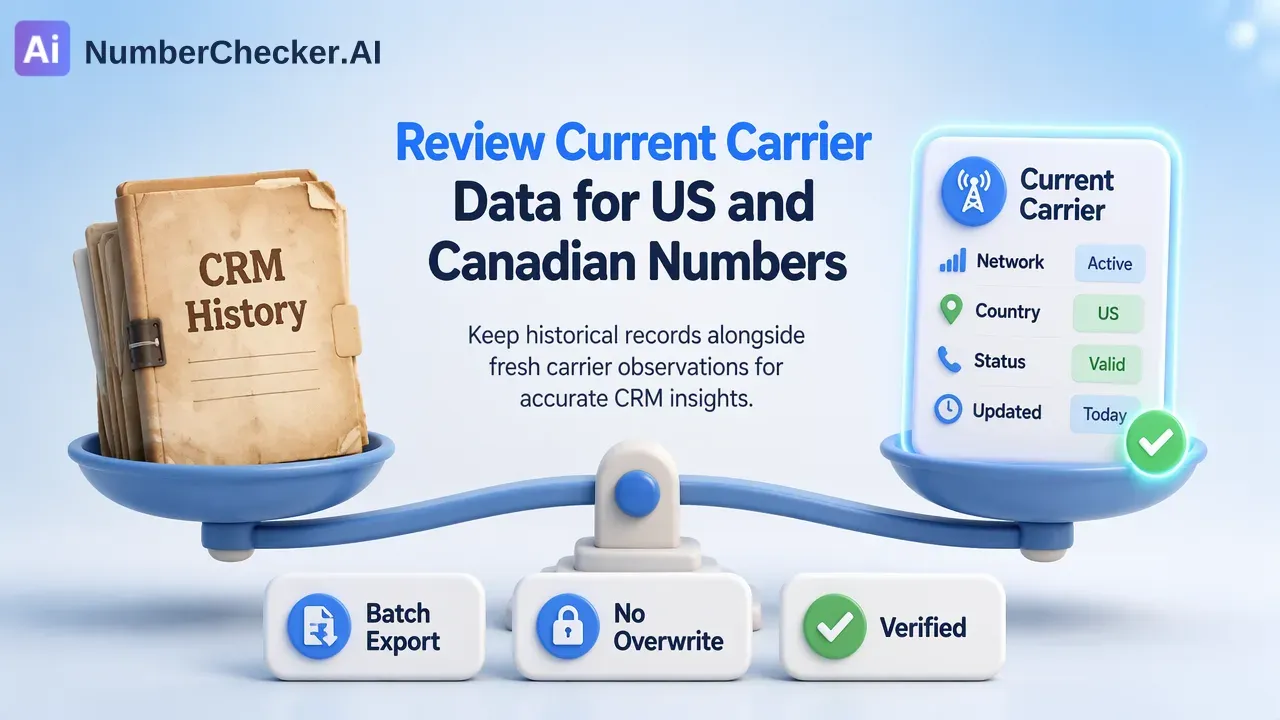
Review Current Carrier Data for Ported US and Canadian Numbers
Refresh a US or Canadian customer phone list with current carrier observations, preserve prior CRM data, and review mismatches before changing routing rules.
A customer can keep the same phone number after changing carriers, so a carrier name stored in your CRM may no longer describe the network serving that number. For US and Canadian lists, NumberChecker’s Advanced US Carrier Checker is the relevant batch product for a current carrier observation. Compare its returned carrier with the stored value, keep the date and source of both, and review differences before changing your own routing or segmentation rules. A changed carrier name is a reason to inspect the record; it is not, by itself, a confirmed porting history.
Why the old carrier field can mislead a list review
Picture a messaging operations team preparing service notices for customers in the United States and Canada. Its CRM has a carrier field captured when each number was first added. Some customers later moved their numbers to a different provider. The digits in the customer record stayed the same, but the stored carrier value may now be stale.
A prefix or an old allocation record does not answer the team’s current-carrier question after a possible port. The operational task is to refresh that observation without erasing the older one or implying that every difference proves a port. The customer may have changed records, an input may have been malformed, or a returned field may need a closer look. Preserve the earlier value as history and review the present observation as a separate dated field.
This distinction matters when the team groups a list by carrier for its own operations. If it silently replaces the old carrier field, a later reviewer cannot tell which value informed an earlier decision. Keeping both values makes a surprising result easy to investigate.
Check the selected US and Canada list
The Advanced US Carrier Checker documentation describes a US and Canada focused product that queries direct carrier sources for current carrier information, including after number porting. It uses an asynchronous batch task. Prepare the customer-owned phone list for that selected product, retain a stable source-row key outside the check, and confirm the product’s current country and input instructions before submission.
Once submitted, treat the task as work in progress while its status is pending or processing. Review the completed export when the task reaches exported status, and inspect a failed task separately rather than treating it as an all-negative list. The documented sample export shows four fields: Number, number_type, carrier, and city. These identify the number and provide line-type, carrier, and city context where returned. They do not include a former carrier, a ported flag, a local routing number, subscriber activity, or a delivery result.
The operations team should use the returned Number to reconcile each exported observation to its source record. If multiple customer rows share a number, the team still needs to decide which source relationship the observation belongs to. A carrier export is about submitted numbers, not a deduplicated customer identity ledger.
Review differences without rewriting history
In the working sheet, keep the original submitted number, your customer or row ID, stored CRM carrier and its last known date, returned carrier, returned number_type and city when present, the check date, and a review action. Those are suggested fields for your own reconciliation file; only the four named output fields above are documented as sample export columns.
A returned carrier that matches the CRM value can be marked “no visible change” for this check. A different carrier should go to review: confirm that the number and country were entered correctly, inspect the original record, and decide whether your CRM should keep a separate current-carrier field. Do not label the row “ported” solely because the names differ. The product reports current carrier information, but its sample export does not provide a port event or the previous carrier.
If the carrier field is empty, a row is missing, or the task failed, keep the row unresolved. Do not copy the old carrier into a new “verified current” field. The operations team can revisit the input, task result, and current product documentation before using that row in a carrier-dependent rule. This makes uncertainty visible to whoever owns the next customer communication.
Make a dated carrier observation useful
The value of the check is the ability to compare the team’s saved carrier data with a current observation across a supplied list. A useful CRM record might read: stored carrier from customer import in March; Advanced US Carrier result in November; reviewer confirmed input; rule update pending. That is more informative than a single overwritten carrier column, especially when the same customer record will be used months later.
Carrier information alone does not establish that a phone is active or that a message will arrive. Use the observed carrier only for the business decision it can support, and keep any contactability or permission decision in its own process. For your next US or Canadian list, start with the current Advanced US Carrier Checker instructions, run the batch, and review mismatches as dated records before updating customer-owned routing rules.
Get Started with NumberChecker.AI
Explore NumberChecker.AI’s supported bulk list-checking products and choose the capability that fits your workflow.
Ready to get started?
Try our WhatsApp number validation service and see the difference clean data makes.

