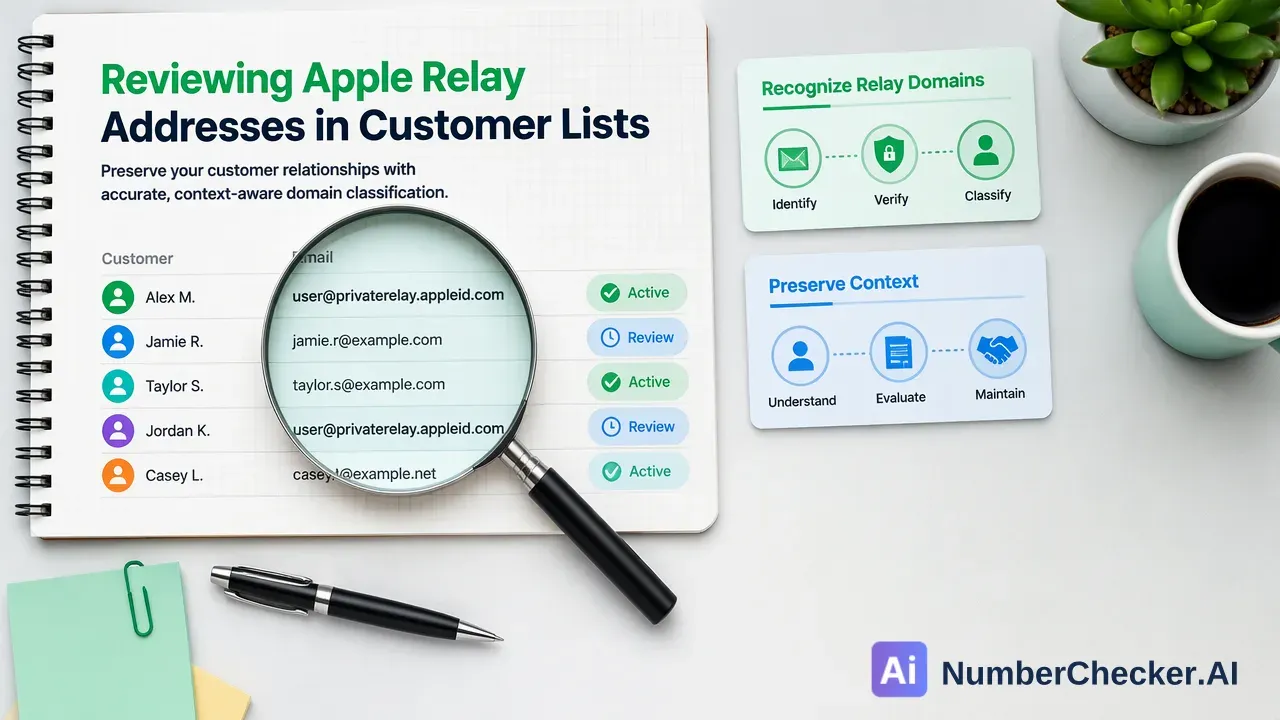
How to Review Apple Private Relay Addresses in a Customer Email List
Classify Apple private relay addresses without treating privacy aliases as disposable, and preserve source, consent, and validation context.
Review Apple private relay addresses as customer-provided email destinations, not as automatically disposable or invalid mailboxes. Identify the documented relay domains, preserve the exact address and signup context, and validate the submitted list through a supported email workflow. Keep delivery or ownership claims separate from what a bulk check actually reports.
Recognize the relay address without overinterpreting it
Apple explains that Hide My Email with Sign in with Apple can create addresses under @private.icloud.com or @privaterelay.appleid.com. Its support guidance says messages to these addresses can be forwarded while the person’s personal address remains private. This is enough to build a narrow classification rule for a customer list: a documented relay domain is a privacy-oriented alias category. It does not say that every address bearing one of those domains is currently active, that forwarding will always succeed, or that the team knows the hidden destination.
A relay address can appear in a signup export, support ticket, order record, or CRM import. Preserve the exact string and the context in which it was supplied. Do not replace it with a guessed personal mailbox or infer a person’s Apple account identity. If the list contains only a display name and relay address, the relay address is still the contact destination supplied to that application. Internal customer IDs and consent records, when available, should remain separate from the mailbox string.
The category differs from disposable mail. A disposable classification usually expresses a policy about temporary or throwaway addresses; an Apple privacy relay serves a distinct published purpose. A blanket rule that removes all relay domains as disposable could discard legitimate customer contacts. Decide how to handle a privacy alias based on the team’s use case and source permissions, not a shortcut that treats domain appearance as intent.
Build a source-aware review bucket
Make a local working copy of the list with the original address, source system, collection date, customer record key, and permission context. Add a team-managed category for documented Apple relay domains. Keep other unfamiliar domains in a separate review bucket; a domain that merely looks unusual is not evidence of an Apple relay. Also distinguish addresses entered directly by a customer from ones obtained indirectly through another system. These columns belong to the team’s own preparation process, not to a claimed NumberChecker.AI export schema.
When creating the classification rule, use the currently documented domain names and retain a review path for future changes. Apple announced the private.icloud.com domain as a newer Sign in with Apple and Hide My Email domain, and told developers to update validation and allowlists alongside the existing privaterelay.appleid.com and icloud.com domains in its developer notice. Do not assume an older blog post’s single-domain list is complete. A domain allowlist should distinguish exact documented relay patterns from broad assumptions about every iCloud mailbox. The address itself should be preserved exactly; lowercasing a domain for classification can be a separate comparison operation, while changing the mailbox part could change the submitted destination.
If several customer records share one relay string, do not merge their consent or account histories automatically. Conversely, a customer may use different relay aliases for different applications. The list review should retain the application and source record that explain why each address is in scope. A bulk checker can assess the submitted address under its documented capability; it cannot reconstruct the hidden personal mailbox or the relationship among those aliases.
Prepare a supported bulk validation input
NumberChecker.AI documents bulk checking for supported email lists using CSV or TXT uploads and asynchronous REST API tasks. The free Email Cleaner checks syntax and MX records and removes duplicates and disposable addresses. A team can use those documented capabilities as part of list preparation, but should not infer that the tool recognizes Apple relay status or makes the team’s permission decision. Keep the relay category in a separate local mapping so it survives any cleaned or deduplicated checking input.
Before submission, inspect the exact input the team will check. Retain a source-to-input mapping for each original row, including rows removed as exact duplicates from the submitted copy. Confirm that the address has not been rewritten to a hidden destination or stripped because of its domain category. If an input is syntactically malformed, return it for correction using the source record. Do not invent a corrected relay address or substitute a different alias.
The Email Validation page describes the relevant product area; the team’s integration should follow current API documentation for any exact endpoint or field. Do not use a platform-registration or Apple-ID checking signal as a substitute for an email-list validation result. Those are different product questions. The result of one should not be copied into the other column in a CRM or used to claim that an alias belongs to a named person.
Interpret results and unresolved rows carefully
Completed bulk task results can be downloaded as ZIP files for customer-controlled review. Store the result with the input snapshot, check date, and local relay category. Inspect the actual output of the selected product before assigning operational labels; do not invent a universal status or field for relay addresses. If a row is missing or cannot be reconciled, mark it unresolved rather than interpreting absence as invalidity.
A syntax or MX-related assessment can inform whether a submitted address is fit for the next review step. It cannot prove that the private relay is currently forwarding to a particular personal mailbox, that the recipient will read a message, or that outreach is permitted. Apple’s published relay behavior is a service description, not a guarantee about an individual alias at the moment a team checks it. A privacy alias should remain a distinct category because the team may need to explain its provenance and handling to support staff.
If a customer reports that a relay address no longer works, ask them through an appropriate existing channel to update their contact destination. Preserve the prior string in history, record the customer’s new address as a new value, and check that new value separately. Do not silently replace all relay addresses with another domain or assume that the person has changed their underlying personal mailbox.
Choose an action that respects the original purpose
A useful decision table has separate columns for address evidence, permission to contact, and the team’s next action. A relay-domain match establishes only a classification based on Apple’s documentation. A validation result addresses the selected product’s documented signal. A customer consent record answers whether a particular use is authorized. Keeping these columns apart prevents a technically plausible address from becoming an unjustified campaign audience.
For service messages that a customer requested, the relay address may be the intended privacy-preserving destination. For optional marketing, the team should apply its own permission rules and suppression preferences before deciding whether to send. If a record has no adequate permission evidence, hold it regardless of address category or checker output. If a record is otherwise eligible but its address result is unresolved, ask for confirmation or route it to manual review according to the team’s policy.
Document the rule and its source date. Recheck Apple’s current support page periodically because published domains and account behavior may change. A source-aware, reversible workflow is more useful than treating all privacy aliases as junk. It preserves the customer’s chosen address while giving the operations team a clear path to validate, review, and correct records when new information arrives.
Frequently Asked Questions (FAQ)
Are Apple private relay addresses disposable email addresses?
Apple describes them as privacy-oriented addresses that can forward mail. Do not classify every relay address as disposable simply because it hides the personal mailbox; apply a separate, source-aware review rule.
Which Apple relay domains should teams recognize?
Apple currently names private.icloud.com and privaterelay.appleid.com for Hide My Email with Sign in with Apple. Consult current Apple guidance before updating a classification rule.
Can bulk email validation reveal the personal address behind a relay?
No such capability is documented for the bulk email workflow. Preserve the supplied relay address and use the selected product only for its documented checks.
How should teams handle a relay address that a customer says no longer works?
Ask the customer to provide an updated contact destination through the existing customer service process, retain the prior value as history, and check the new address as a separate input.
Get Started with NumberChecker.AI
Explore NumberChecker.AI’s supported bulk list-checking products and choose the capability that fits your workflow.
Ready to get started?
Try our WhatsApp number validation service and see the difference clean data makes.

